CHAPTER 2
GETTING STARTED
16 smarttech.com/kb/171225
Setting the TV/RGB switch
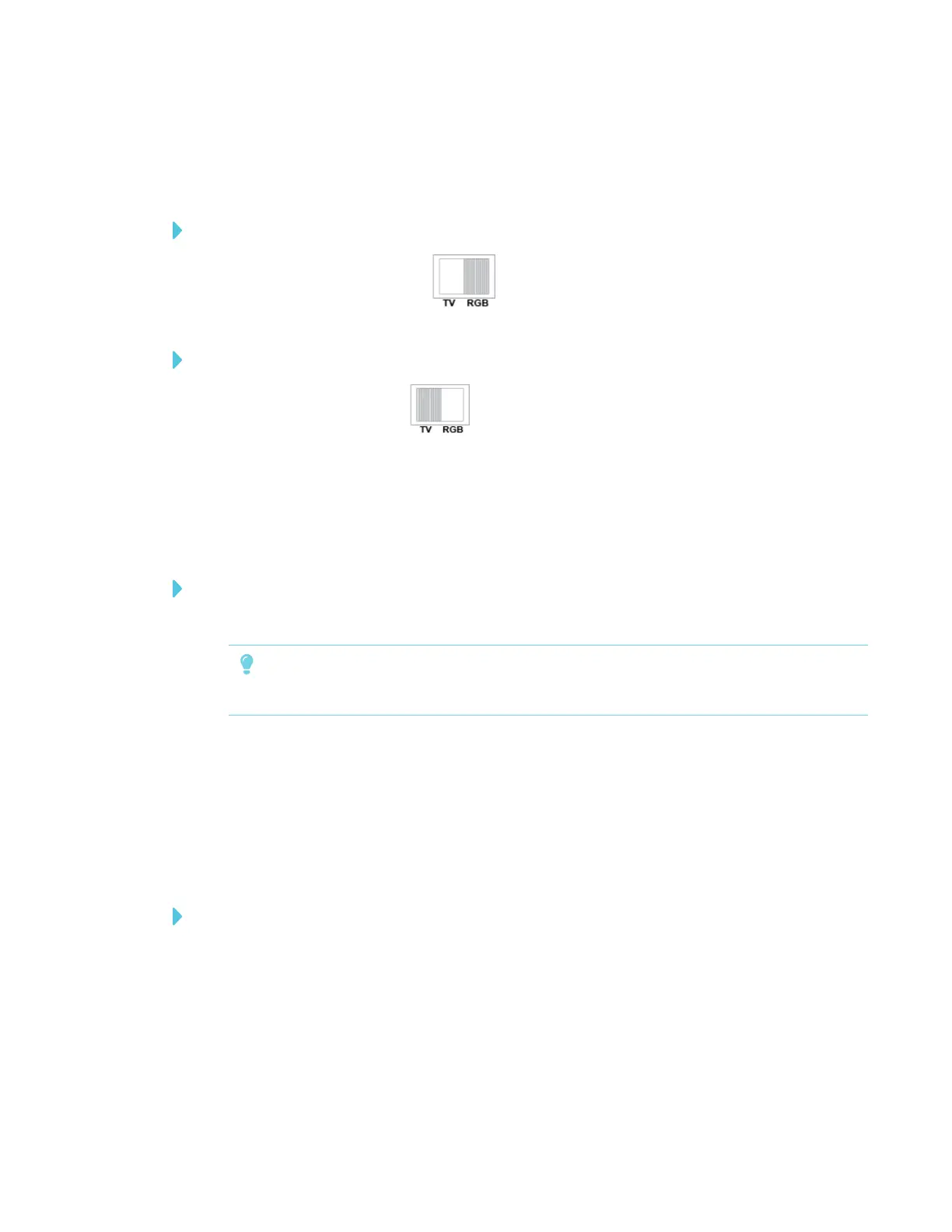
The TV/RGB switch determines the display output selection.
To set the switch to RGB
Set the switch to RGB (right) when using an HDMI connection for signal output.
To set the switch to TV
Set the switch to TV (left) when using an RCA connection for a composite output.
Connecting to a high definition digital video display
You can connect your document camera to a high-definition digital video display or projector with
an HDMI cable (not supplied).
To connect your document camera to a high definition digital video display
1. Complete the basic connections. See Setting up your document camera on page13.
TIP
Make sure the TV/RGB switch is set to RGB.
2. Connect an HDMI cable to your document camera’s HDMI OUT port and our display device’s
HDMI IN port.
Connecting to a standard definition analog video display
You can also connect your document camera to a standard definition analog video display or to
video equipment to record your presentation with an RCA cable (not supplied).
To connect your document camera to a standard definition analog video display
1. Complete the basic connections (see Setting up your document camera on page13).
2. Connect the RCA cable to your document camera’s TV OUT port.
3. Connect the RCA cable to your TV’s VIDEO IN port.



 To Next Page