21
Use and maintenance manual S440-S560-S560N-S560NA-S870
shrinking), as well as the memory in use and the number of processed products.
4.3 START-UP OF THE SEMI-AUTOMATIC MACHINE (S560N) AND
OF THE AUTOMATIC MACHINE (S560NA)
Turn the main switch ON and then press the key
If you press the emergency button, situated on the machine front side, the cycle will stop.
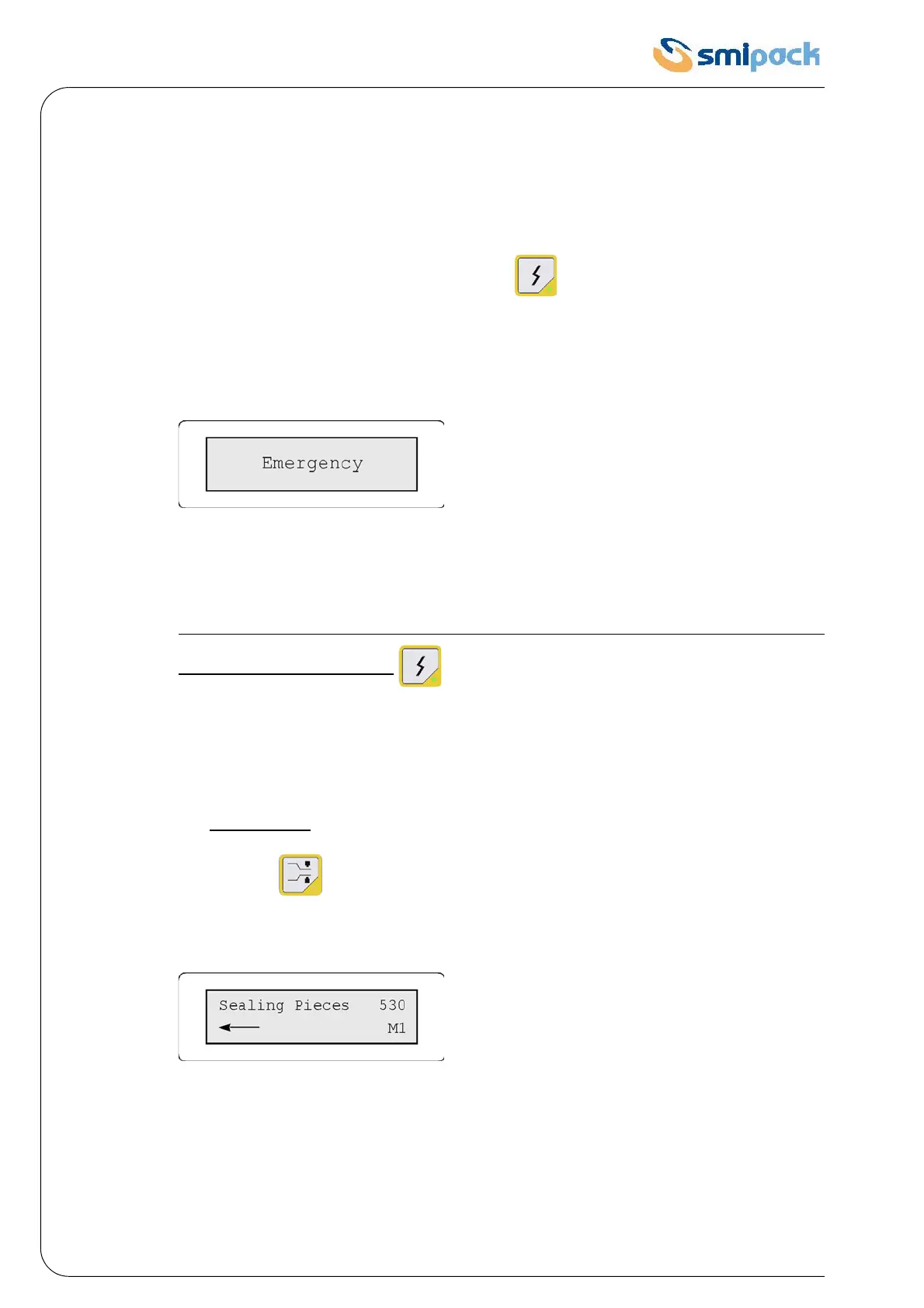
When the push-button is pressed, the electronic board will display:
Fig. 4.3.1
According to the temperature that the machine has reached when the emergency button is
pressed, the electronic board emits two different acoustic signals: a low intermittent signal, if the
temperature is lower than 80°C; a higher intermittent signal, if the temperature is higher than
this limit.
After pressing the emergency button, in order to START the machine AGAIN release
the button and press the key .
4.4 MACHINE OPERATION
The packaging machines can operate in two different modes:
1 • Sealing mode
: the product is packaged in a non rigid packet
Press the key ; the following message will be displayed:
Fig. 4.4.1
During the machine normal operation, the word "sealing" (or "heat-shrinking", if this is the set
mode) slides on the screen, on the first line, together with the word "pieces", followed by the
number of packages that have already been packaged.
The second line displays the memory in which the machine is operating.
The arrow indicates that the machine is ready to package.


 To Next Page