22
2 • Heat-shrinking mode : the product is packaged in a clinging packet
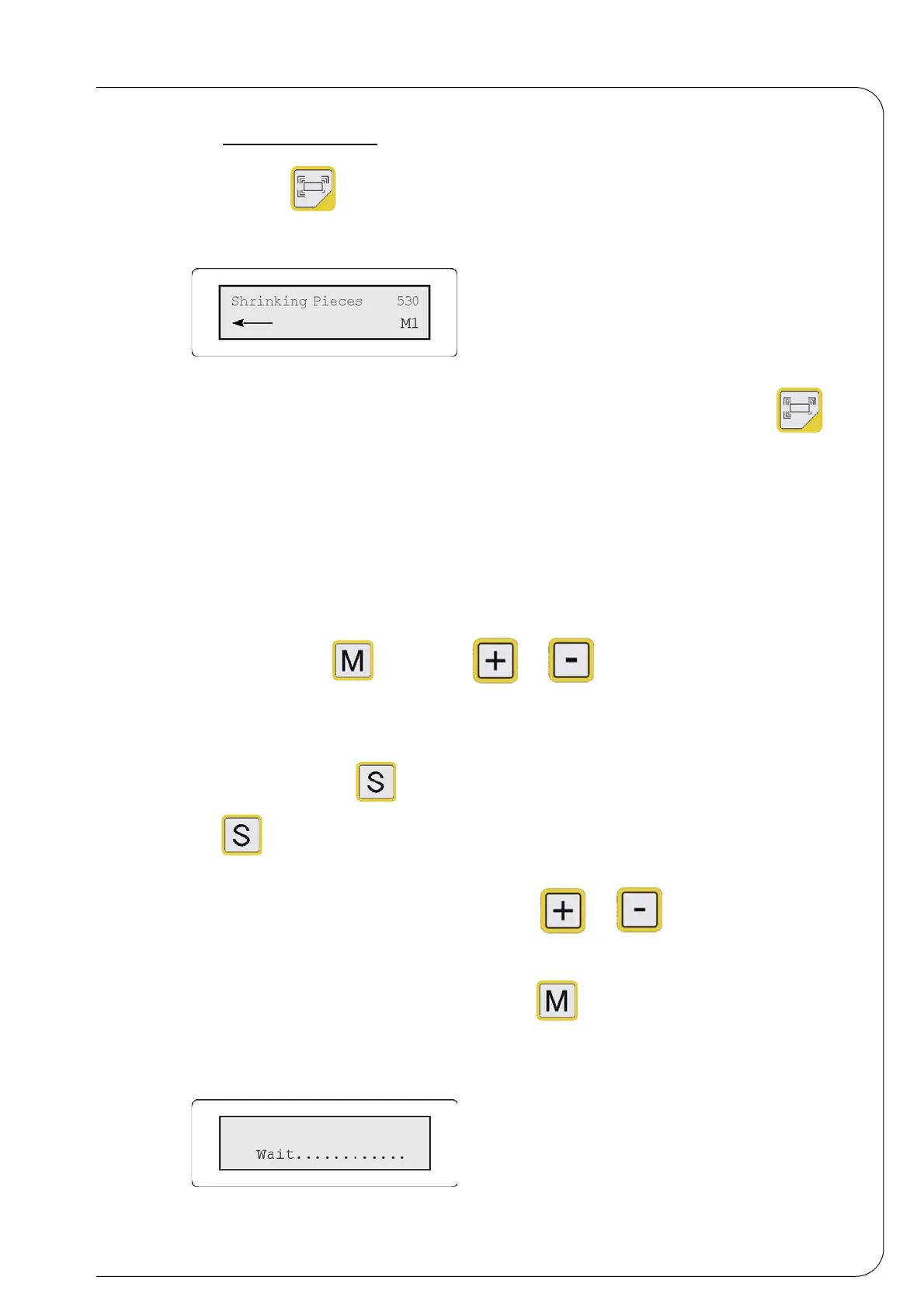
Press the key ; the following message will be displayed:
Fig. 4.4.2
In heat-shrinking mode, if the word "heating" is displayed and the led of the key is
intermittent, the machine can only carry out sealing cycles (the mode AUTO is not operating)
until the oven heating elements reach the set temperature (see the parameter "oven
temperature" in the Parameters menu).
4.5 MEMORY ADJUSTMENT
The microprocessor allows you to save 6 different sealing or heat-shrinking programmes
(M1,M2,M3,M4,M5,M6) according to the dimensions of the packet or film used.
The memory number is displayed at the second line of the screen (i.e. M1) and can be changed
by pressing the key and the keys and .
Proceed as follows:
• 1 - Select a memory (i.e. M2) ;
• 2 - Press the key in order to enter the parameters menu and select the key
again, in order to display the machine adjustment parameters (see paragraph
Parameters menu) ;
• 3 - Adjust the parameters by selecting the keys and ;
• 4 - Save the values set in the menu:
In order to store the parameters, press the key ; if you do not press the key in 5-6
seconds, the programme will save the modifications automatically.
Fig. 4.5.1


 To Next Page