27
Use and maintenance manual S440-S560-S560N-S560NA-S870
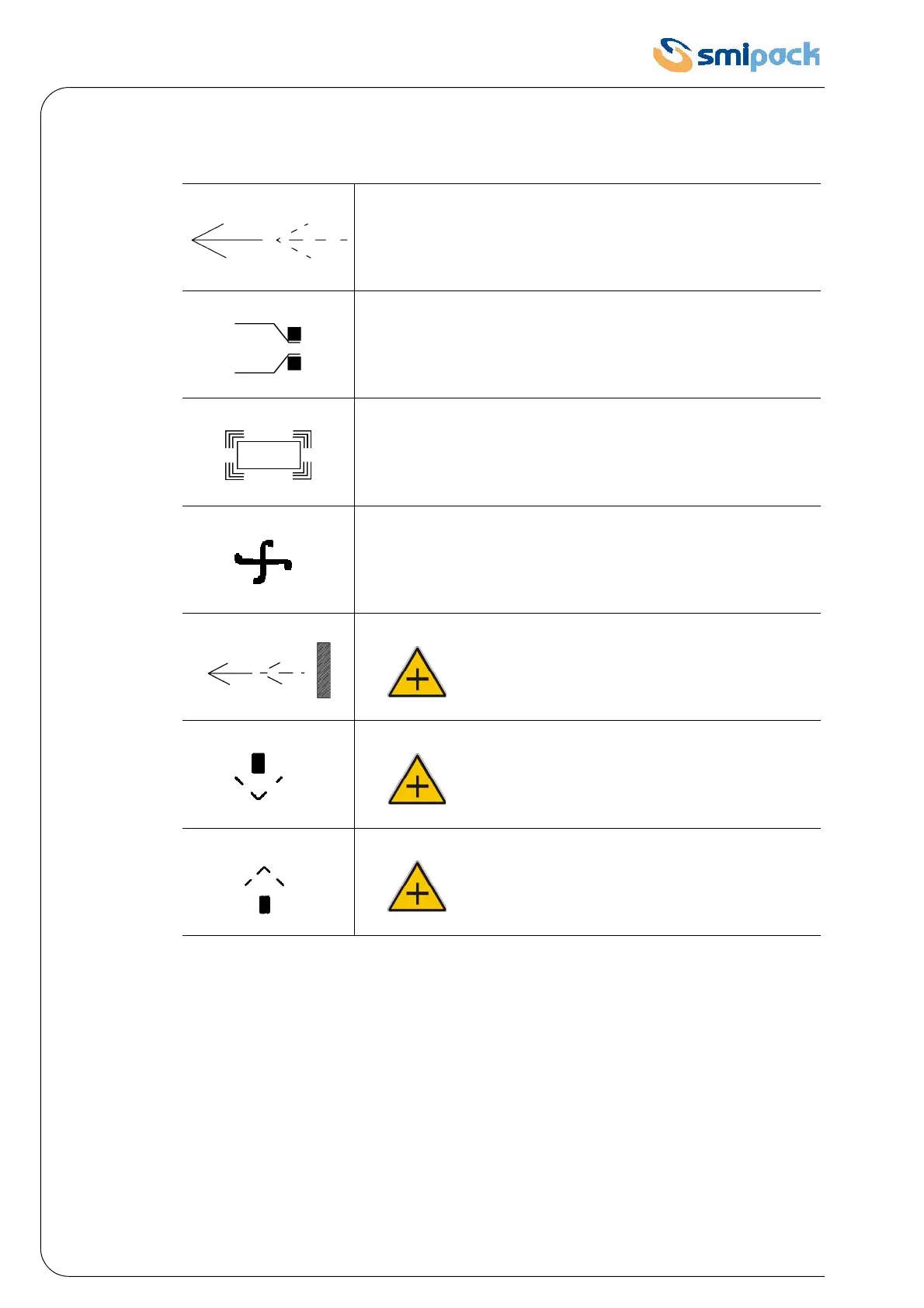
4.9 LEGEND OF THE DISPLAYED SYMBOLS AND MESSAGES
4.10 FILM REEL INSERTION
• Insert the film reel on the reel holder tube, and lock it by the self-centring cones 1.
• Make the film go through the punches 2.
• Make the film lower edge go under the packaging plate 3.
• Make the film upper edge go over the packaging plate (Fig. 4.10.1).
Insert the packet
Film sealing in progress
Heat-shrinking in progress
Heat-shrinking fans on
(S560N/S560NA)
Exiting package
(S560NA)
Bell closing movement
(S560NA)
Bell opening movement


 To Next Page