19
D735 User Manual Getting to Know Your Phone
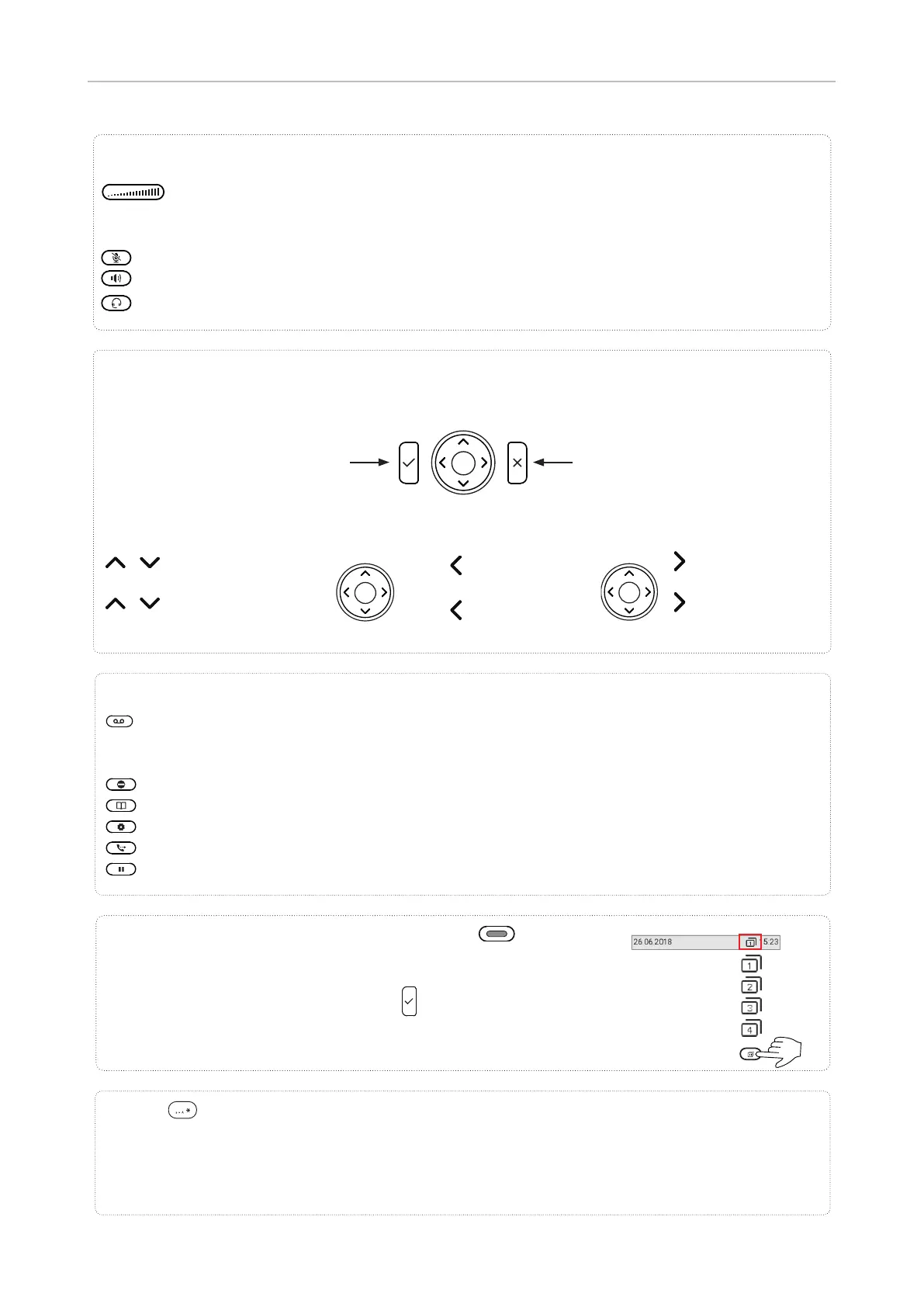
MWI key with LED
◦ LED is lit when message is waiting on mailbox (if mailbox supplied on PBX)
◦ Press key to listen to message(s)
Turn DND (do not disturb) on and o . Callers hear the busy signal.
Directory
Settings menu
Transfer
Hold
Dedicated, customizable function keys
Adjusting the volume
◦ of the ringer when the phone is idle or ringing
◦ of the handset/casing loudspeaker when in a call
Mute/unmute microphone
Toggling between handsfree and handset mode. Press to dial number and accept calls on speakerphone.
Headset mode on/o
Audio control keys
Star key
• In editing mode:
◦ Press for one second to change input mode (numerals > lower case > upper case)
◦ Press briefl y to type *
• On idle screen: Press for 3 seconds to lock/unlock the keypad
Default setting: Line
• Fast-blinking LED: Incoming call. Press key or
to accept
• Steadily lit LED: In call
• Slow-blinking LED: Call on hold
Freely programmable, self-labeling LED keys P1–P32
Navigation keys
• Confi rming, saving actions & input,
and returning to previous screen
• Accepting calls on speakerphone and
in headset mode
• From idle screen: Dialed calls
(redial)
• Canceling actions & input, and retur-
ning to previous screen
• Terminating calls on speakerphone
and in headset & handset modes
/ From idle screen: Select
outgoing identity
/ In other contexts (settings,
lists): Navigate up/down
From idle screen:
Received calls
In other contexts:
Navigate/space left
From idle screen :
Missed calls
In other contexts:
Navigate/space right
P1–P8
P9–P16
P17–P24
P25–P32



 To Next Page