35
D735 User Manual Getting to Know Your Phone
symbols" on page 24). Write the password down and store it in a safe place!
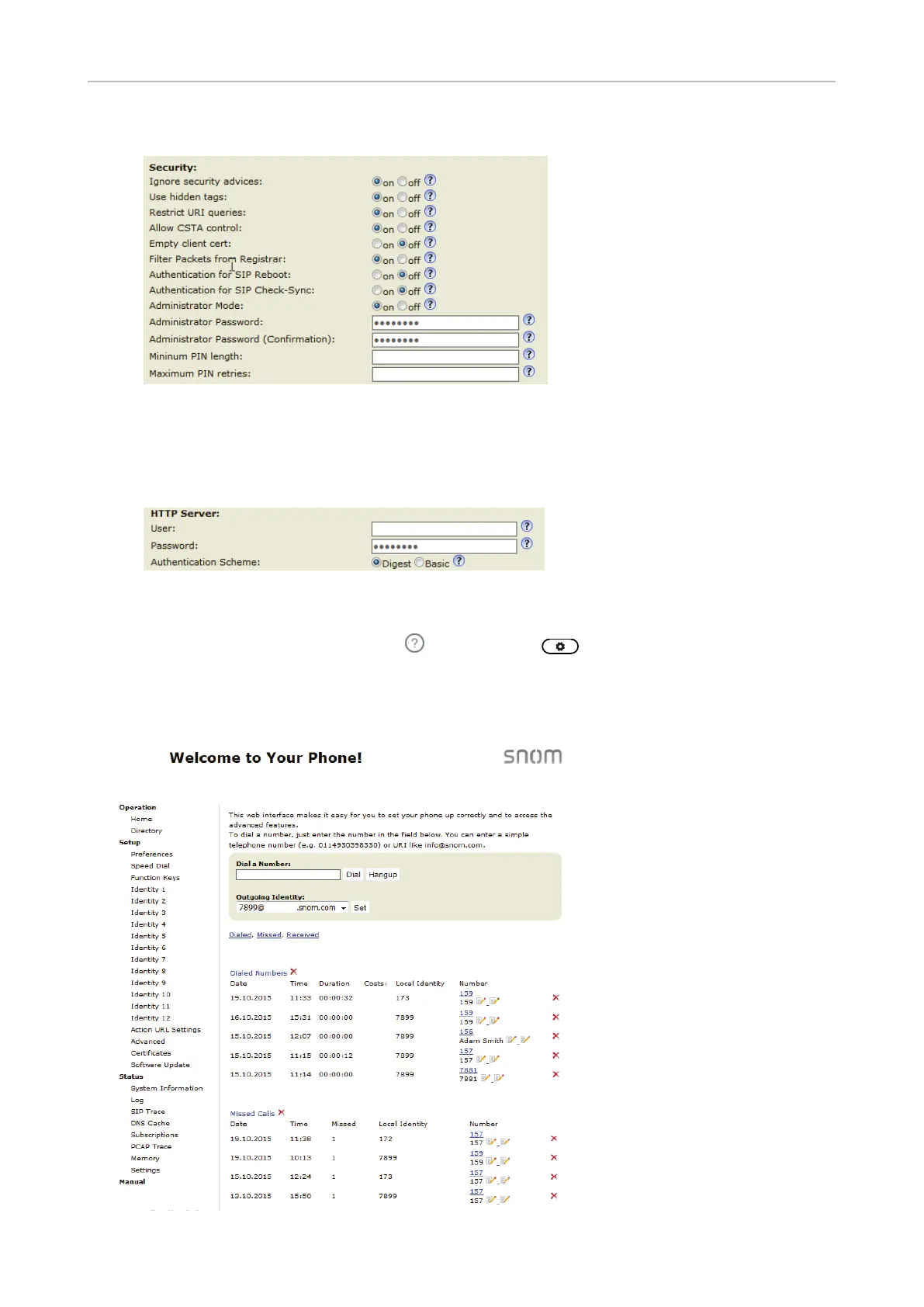
◦ HTTP user name and password. Enter the data in the text fields of the HTTP Server section
and click Apply. The default value is blank.
- User name. Valid values are character strings of letters and numerals, e.g. john or jh24.
- Password. Text string.
Opening the web interface
1. Look up the phone's IP address: Press
, if available, or > Information > Help.
2. Open a web browser on your PC. Enter the IP address, preceded by "http://" or "https://" in the
address bar (for example: http://192.168.10.115) and press ENTER.
3. The home screen opens:



 To Next Page