48
D735 User Manual Using the Phone
Using the phone
This section describes the functions of the phone with the factory default settings. If your phone was
installed and/or set up by someone else, the default settings may have been changed. Please check
with that person or company if the phone does not react as described here.
The caller information displayed on the screen is controlled by a setting on the phone‘s web interface.
The default setting is "Name Number". You can change the setting at Preferences > General
Information > "Number Display Style" by selecting a dierent option from the drop-down list.
Making calls
See "Entering numerals, letters, special characters, and symbols" on page 24 for information on
input modes and entering letters, numerals, and special characters.
Selecting identity for current outgoing call
See "Identities/accounts" on page 86 on how to configure identities.
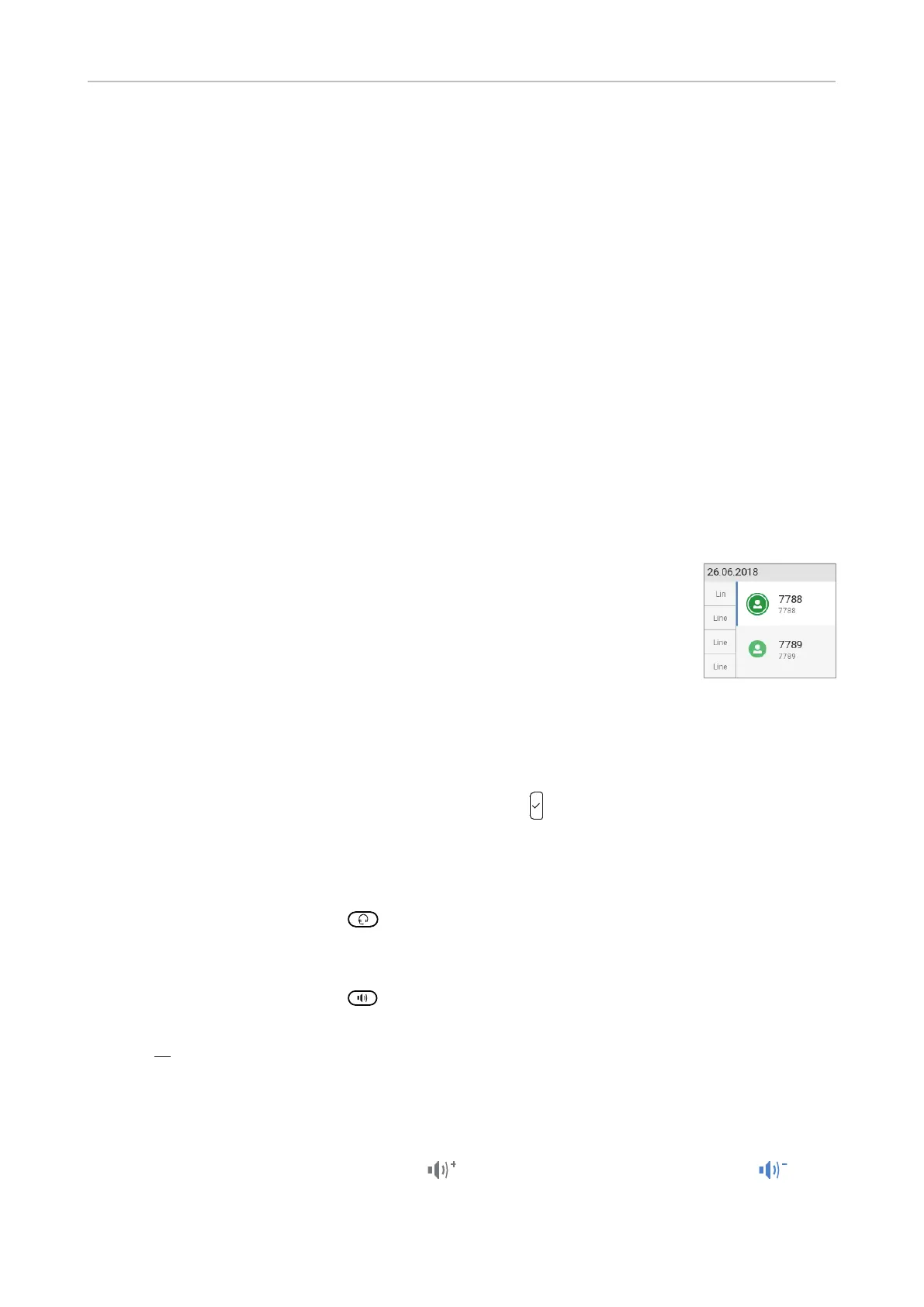
If more than one identity is shown on the display, the one on the white bar with the
white and green rings around the green circle is the outgoing identity for the call
and the number/name that will show on the callee’s phone. Use the up or down
arrow on the navigation key to select another identity.
Using dierent audio devices
Handset
• Pick up the handset, enter the phone number, and press
OR
• enter the phone number and pick up the handset.
Headset
Enter the phone number and press
.
Speakerphone
Enter the phone number and press
.
Handset or headset and casing speaker
With dual audio mode activated, other persons present in the room are allowed to listen in to the third
party over the phone's casing loudspeaker.
1. Use the method for handset or headset use to dial.
2. When the call has been established, press
to enable the casing loudspeaker. Press to
turn the speaker o.



 To Next Page