The program Dynamic Switching can be used to assign 6 outputs with switching points or default
conditions and 4 inputs for external control of scale functions.
Example: controlling weight-dependent processes, such as metering recipes.
The terminal 3035 must have an IO card (optional accessory) installed to use the switching
function.
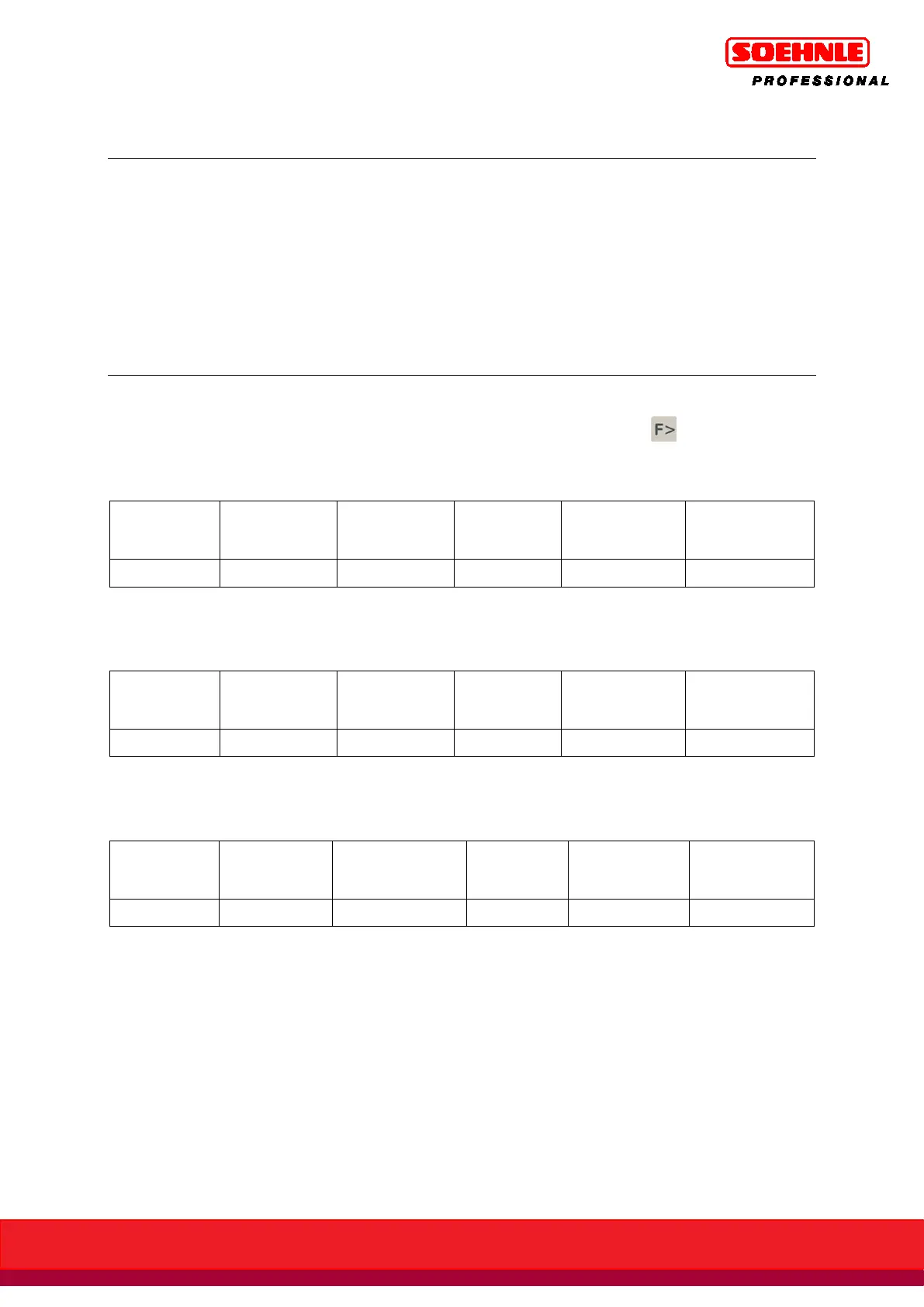
The function keys F1 to F6 are available to control the functions. These are assigned in three levels;
switching between the levels is accomplished with the Function Page key .
1. Level: Dynamic switching functions
Out-
puts
In-
puts
Start Total Cancel Add
2. Level: Tare functions, fixed values
Tare
Fix
Add
Tare
Int.
Tare
Multi
Tare
Save
Fix
Switch
Fix
3. Setup functions level:
Gross x10
Secondary
display
Prog
ram
Setup
mode



 To Next Page