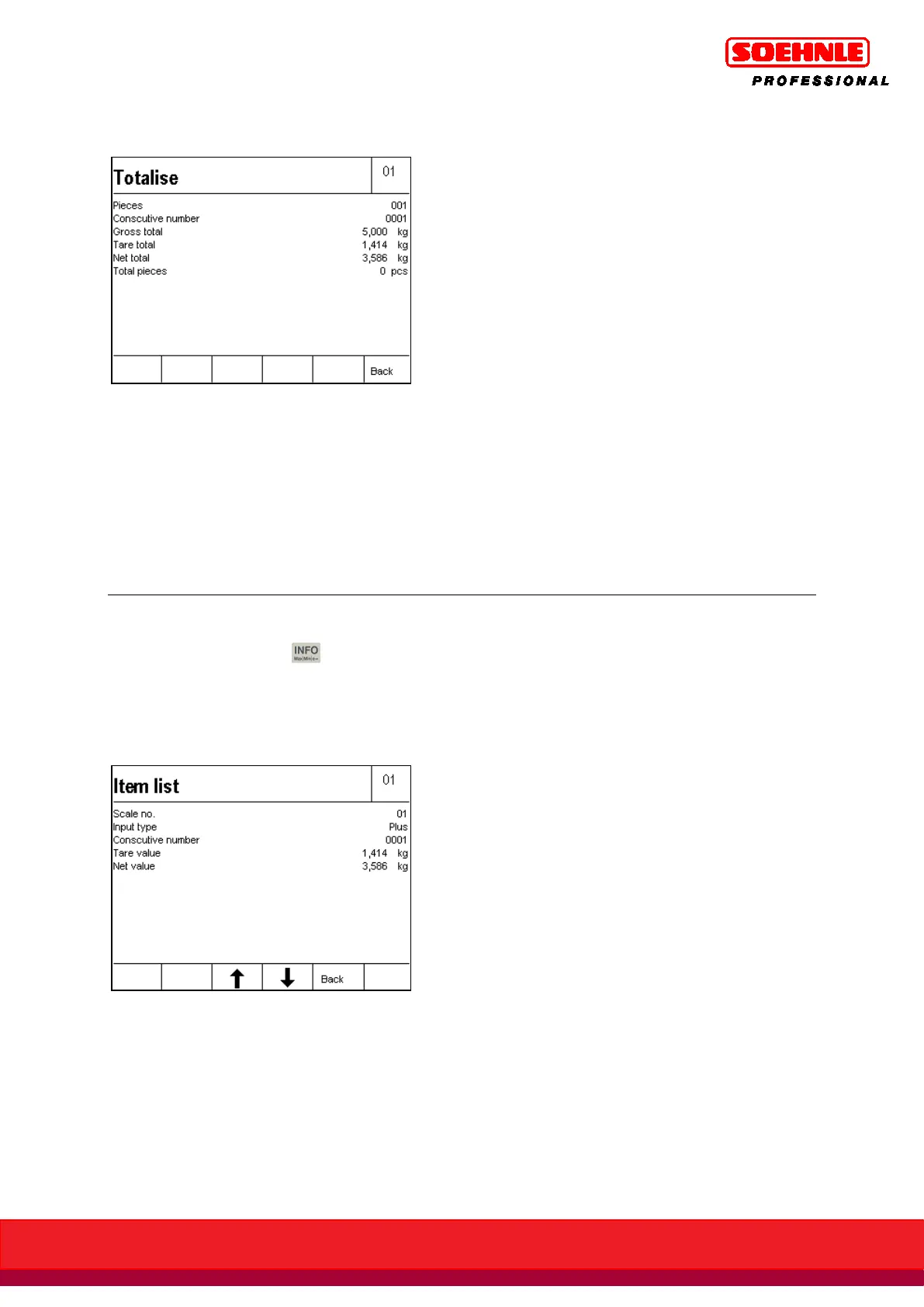
Display Current Totals view:
Info: Information field display with current totals
Total can be programmed in Setup Mode / Program Settings / Tot. + Picking / Information Field
Display; in this case, the total is always displayed in the information field.
6.6.14 Display individual items
During a totaling transaction, you can retrieve the individual items from the totaling memory by
sequentially pressing the key and F5 Plus key. The item list begins with the latest entry.
Page through the list with the F3 (older entries) and F4 (newer entries) Arrow keys.
The last 50 entries can be retrieved.
Press the F5 Back key to close the display of the individual items and to return to the previous
screen.
Info: Display information field with item list
Last Item can be programmed in Setup Mode / Program Settings / Tot. + Picking / Information Field
Display; in this case, the last item is always displayed in the information field.



 To Next Page