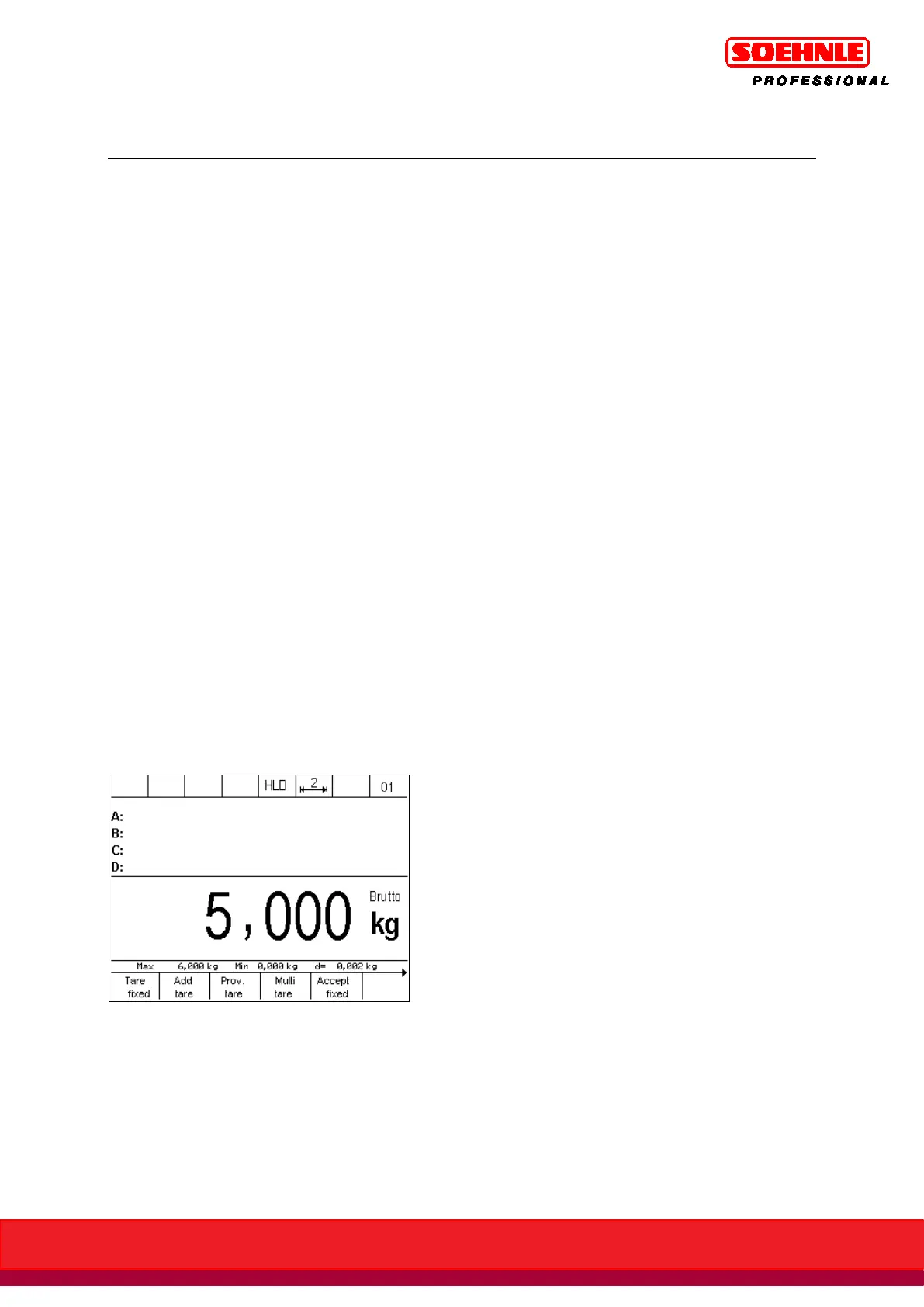
In setup mode, a hold function can be enabled for every connected measurement location (Setup
Mode/Scales/Scale Parameters/Hold Mode)
The following hold functions are available:
Disabled: Hold is disabled
Rest/key: Hold at settle outside of empty message,
canceled with Switch On key
Rest/empty: Hold at settle outside of empty message,
canceled by removing load from scale
Max/key: Hold at maximum reached weight with settle outside of empty message,
higher weight sets new hold, canceled with Switch On key
Max/empty: Hold at maximum reached weight with settle outside of empty message,
higher weight sets new hold, canceled by removing load from scale
Slave/key: Hold at every increase in weight without settle outside of empty message,
higher weight sets new old,
canceled with Switch On key
Slave/empty Hold at every increase in weight without settle outside of empty message,
higher weight sets new hold.
Canceled by removing load from scale.
The function is enabled in all application programs.
The terminal first needs to be rebooted to enable the selected hold function settings.
When the hold function is enabled, the holding of a weight value is indicated by the HLD symbol in
the symbol bar.



 To Next Page