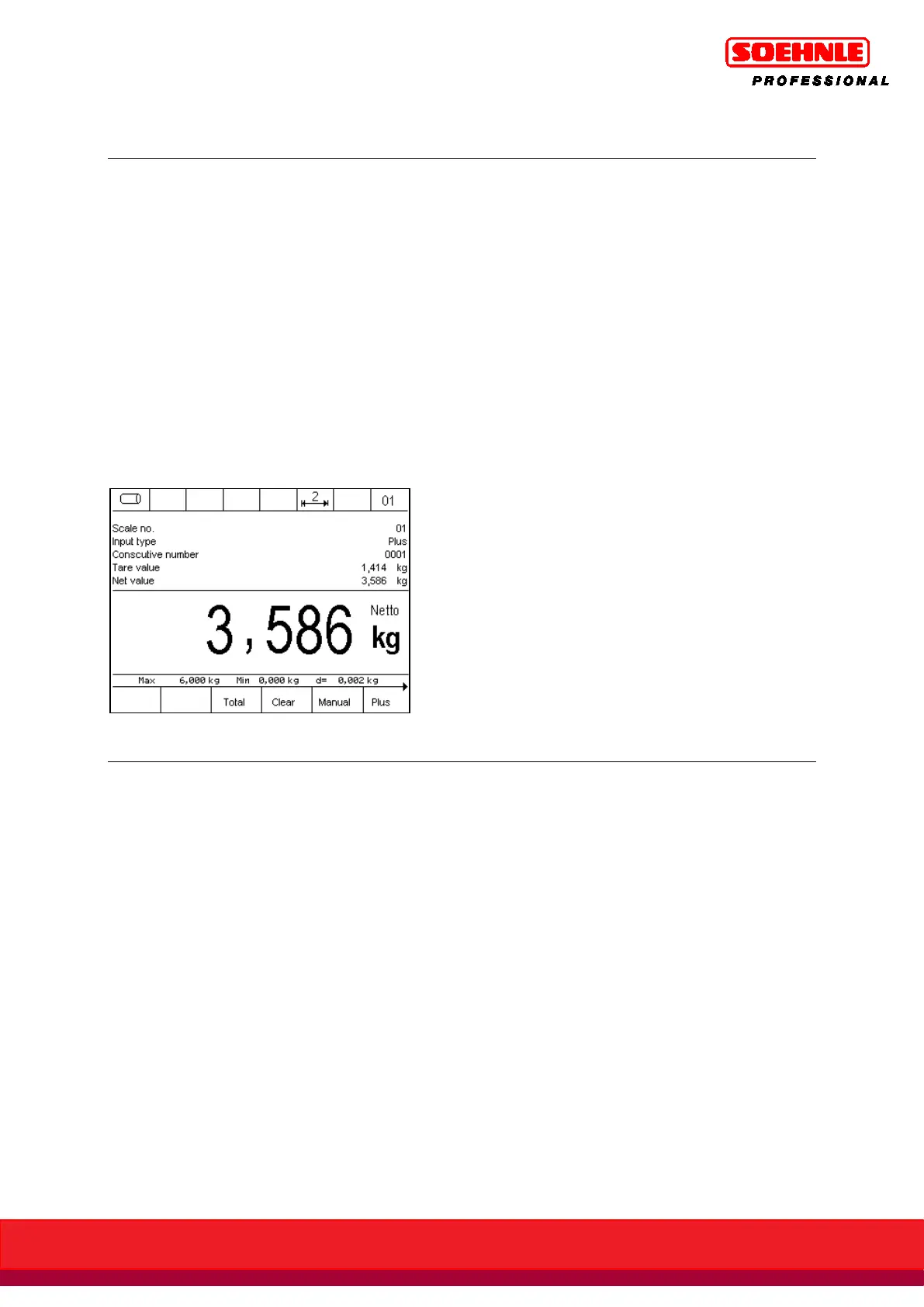
6.6.3 Information field display
What data is shown in the information field is determined in Setup Mode / Program Settings / Total.
+ Picking / Information Field Display.
The following options are available:
• Factory default: Switching between the individually used functions, e.g. totaling memory,
Organization Data Memory, and switching function Output and Inputs.
• Total: continuous display of totaling memory.
• Last item: Continuous display of the last item.
• IO control: Continuous display of output and input states
• Organization data + database: Continuous display of the organization data memories.
• Fixed tare values: Continuous display of the enabled fixed tare value memory.
• Display barcode: Continuous display of the scanned barcode.
Example: information field display setting to last item:
The description and detailed instructions for the tare function can be found in Section 6.5, page
57.



 To Next Page