(see Section 7.11
for more details)
• Off
• On
• On, security function
for assigning the individual switching points
• Switching point S1
• Switching point S2
• Switching point S3
• Switching point S4
• Switching point S5
• Switching point S6
Factory default: all disabled
for assigning the individual inputs
• Input E1
• Input E2
• Input E3
• Input E4
Factory default: all disabled
4.6 Setup mode settings / Service
The service area is protected by a password.
The parameters in this area can only be maintained by trained service staff.
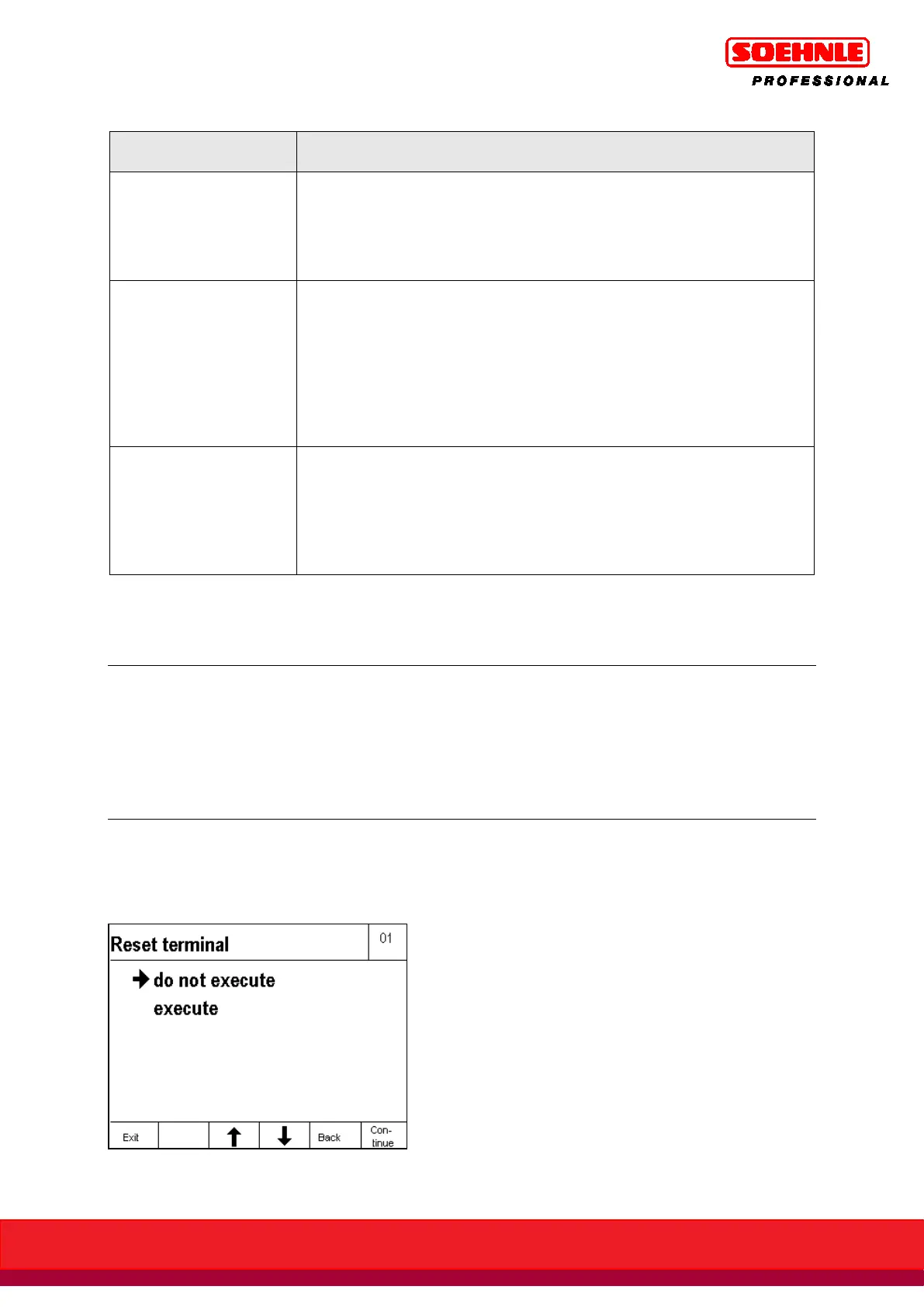
In order to reset all terminal settings (except scale parameters and service area) back to factory
defaults, the terminal can be reset in Setup Mode / Terminal / Reset Terminal by selecting execute
and pressing the F6 Next function key.



 To Next Page