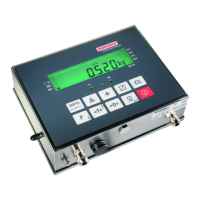
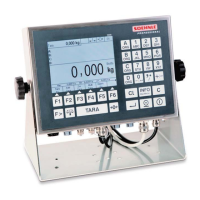
This is where the desired weighing application program is selected. The scale is ready for weighing
after the application program has been selected and started.
The function keys F1 to F6 are available to execute functions.
They perform various functions depending on the program and the situation. The relevant
function is shown in the display in the function bar above the key.
Depending on the program, the function keys have up to 4 assigned levels; the Function Page key
is used to page trough the levels.
Navigating with the function keys
↑ Moves the cursor up in the list
↑ Moves the cursor down in the list
End Closes setup mode
Next Starts the highlighted menu selection
Back Returns to next higher level
Cancel Returns without making a change
Delete Deletes an item with return
Save Saves and entry or change
→ Cursor to the right
→ Cursor to the left
3.4 Input and control keys
The following additional keys are available for input and control:
Number keys to enter figures,
Multi-function number keys to enter letters
Retrieve organization data
Deletes the entire entry or resets the function
Deletes the last number


 To Next Page