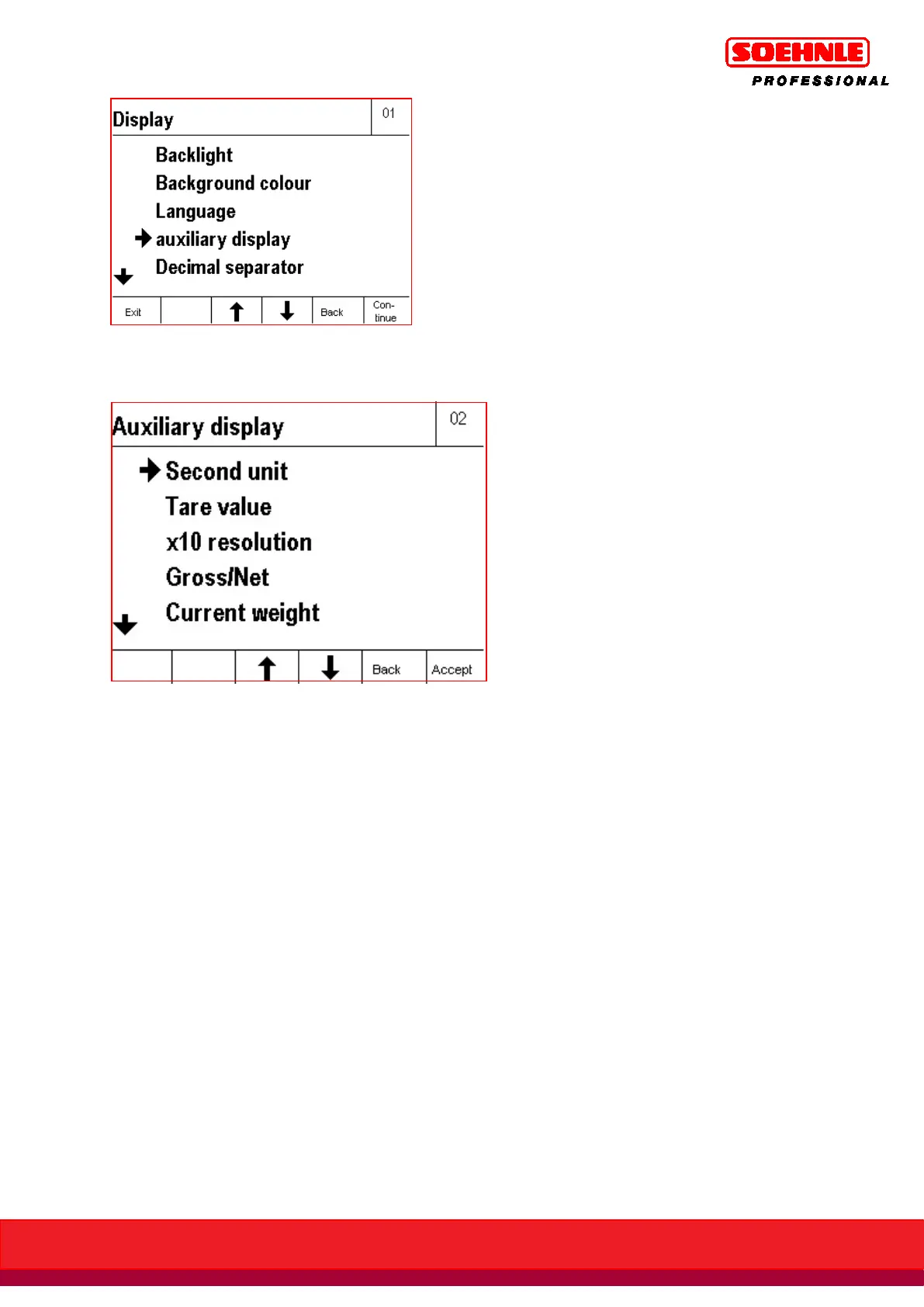
Retrieving the sub-menu Secondary Display generates a list of available applications.
You can move around in the list with the F3 and F4 Arrow keys.
Functions of the secondary display
The following function states can be programmed in the sub-menu Secondary Display:
> Second unit of measure
> Tare value
> x10 resolution
> Gross/Net
> Current weight
> Reference quantity
> Reference weight
> Target value
> Difference to target value
> Specific weight
> Vehicle plate number
> Weight of first/single weighing
> Indicator light display
Note: the function setting must match the application program!
The
factory default setting of the secondary display
is the second unit of measure.


 To Next Page
 Loading...

