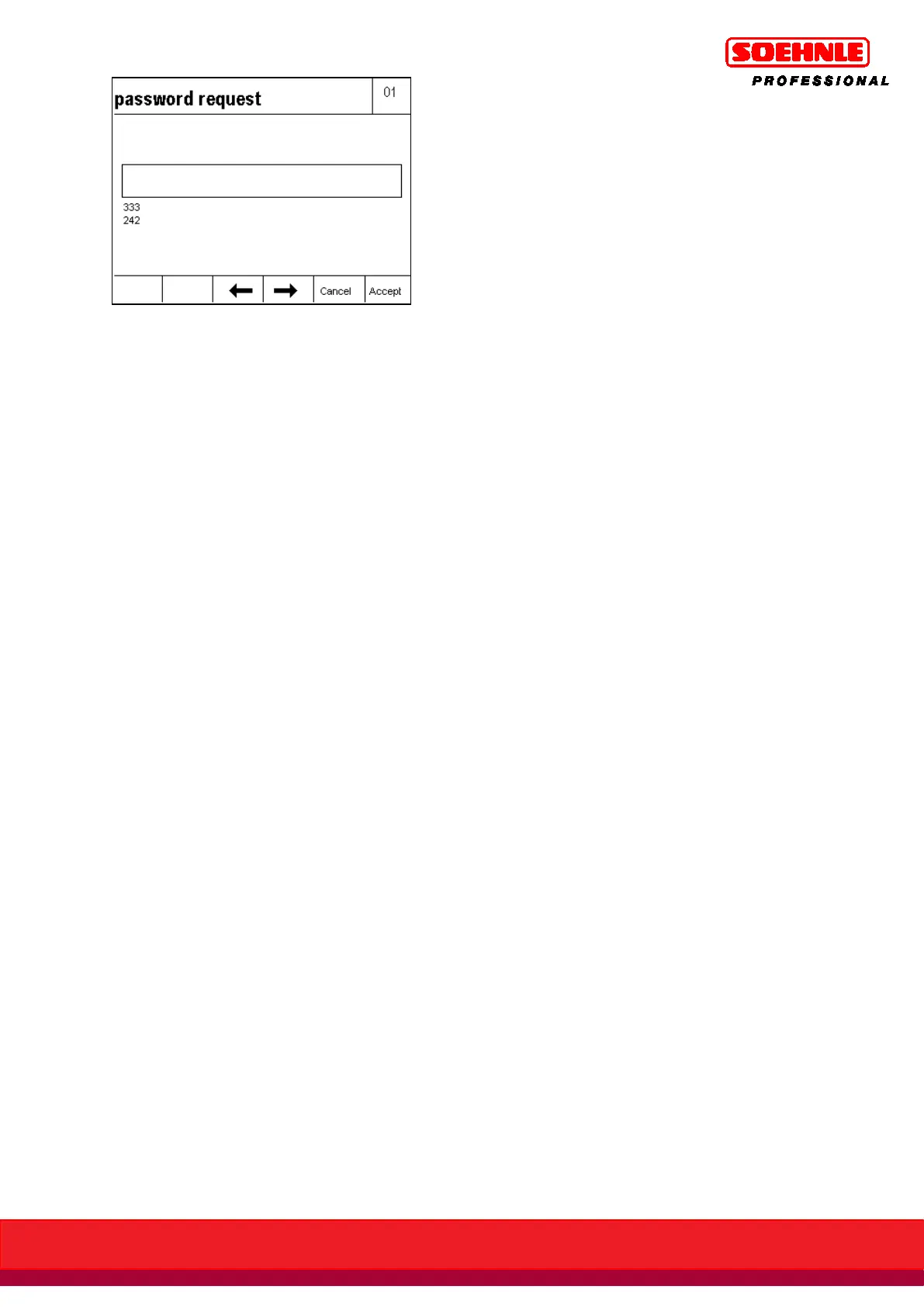
Use the keypad to enter the required password, and enter with F6 key.
The password entry is verified:
If the entry is
, the IT data record is transmitted with the login confirmation, after which the
terminal is in weighing mode.
If the entry is
, the message Error 02 Incorrect Password is displayed briefly followed by a
renewed password query.
If the password query is confirmed with the F5 Cancel key, the display shows the Login query
window with its query procedure.
Delete password (internal terminal password)
Start setup mode with F6 key in the Setup Functions key level.
Highlight Terminal with F4 Arrow key, F6 Next.
Highlight Login Function with F4 Arrow key, F6 Next.
Password query, enter internal terminal password and press F6 Save key.
If the password is lost, the Login function area can be accessed by entering CLEAR without a
password.
Highlight Delete Password with F4 Arrow key, F6 Next.
The internal password is deleted.
The text for the login query window can be customized.
For example: "Start Process" or "Start Weighing Procedure"
Start setup mode with F6 key in the Setup Functions key level.
Highlight Terminal with F4 Arrow key, F6 Next.
Highlight Login Function with F4 Arrow key, F6 Next.
Highlight Enter Login Text with F4 Arrow key, F6 Next.
Enter login text with a maximum of 35 characters and enter with F6.
If a login text is not entered, the factory default "Please login" is used.



 To Next Page