Chapter 2 - Power up and down the device
Copyright 2016 Softing Industrial Automation GmbH
15
2
Power up and down the device
Install PROFIBUS Diagnostics Suite before connecting to a PC
Before connecting the BC-700-PB for the first time with a PC make sure the latest PROFIBUS
Diagnostics Suite and the required drivers are installed on your PC. For detailed installation
instructions refer to the Quick Startup Guide supplied with your PROFIBUS Diagnostics Suite
CD-ROM.
Always connect device directly to an USB port
Use the included USB cable to connect the tool to a PC or notebook. When you use external
USB hubs, notebook docking stations or USB 3.0 ports for connection, problems may occur.
2.1 Power-up
1. Acclimate to room temperature
Before being connected to the AC mains power, the PROFIBUS Tester and the AC adapter must be
acclimated to room temperature to avoid condensation. This may take up to 60 minutes.
2. Power-up
Make sure that you have either connected it to a power supply, or that you have inserted the
battery. Then switch on the tool by pressing the power key at the upper front edge. The display
lights up and self-test starts.
3. Check battery charge level
The display shows the battery charge level indicator ( , , ). If the charge level is too low,
recharge the battery as described in Charge battery .
Hint
We recommend operating the device solely using the wide-range power supply supplied or
using the integrated battery to avoid equalizing currents which can falsify the test results.
The tool is powered by a built-in three cells lithium ion accumulator with 11.1 VDC. Alternatively the
tool can be powered by 24 VDC through the external wide-range power supply.
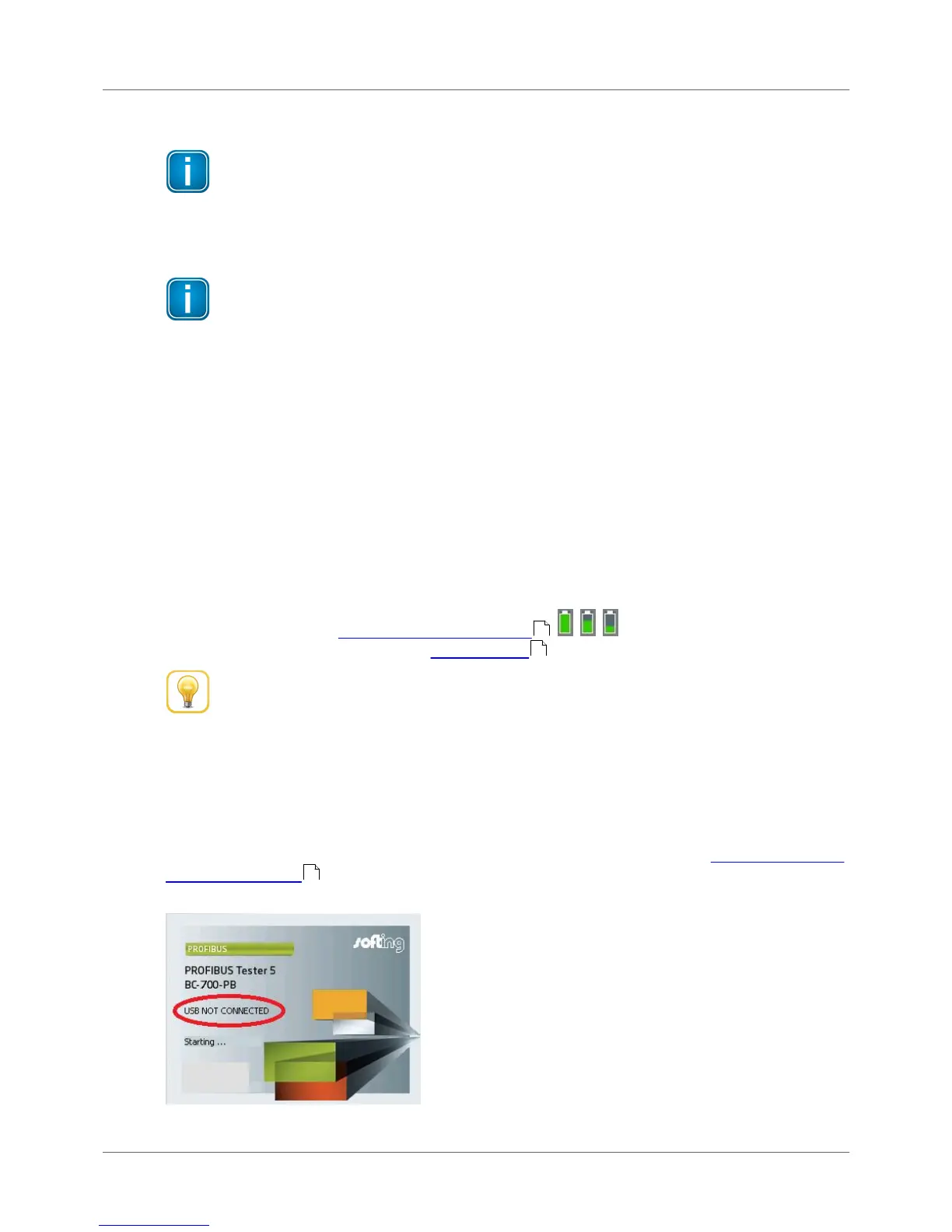
2.2 Power-on behaviour without USB connection
If not connected to an USB port, the BC-700-PB starts up in stand-alone mode (see Display and controls
in stand-alone mode ) and is immediately ready for testing. During program start-up the splash
screen is shown for a few seconds and displays "USB NOT CONNECTED":
Figure 11: Splash screen – starting without USB connection
31
52
29



 To Next Page