Possible measures to avoid stress are
support,
strain relief using cable ties or
using a retaining hand strap. Fastening eyes are premounted at the bottom of the tester. You can fix
them either at the bottom or at the top of the tester. The retaining hand strap is not part of the
delivery.
If avoiding stress is not possible, you need to select a different connection point to avoid damage.
3.1.5 Using the security lock port
When using trend logging, the BC-700-PB is typically operated in an unattended manner over a
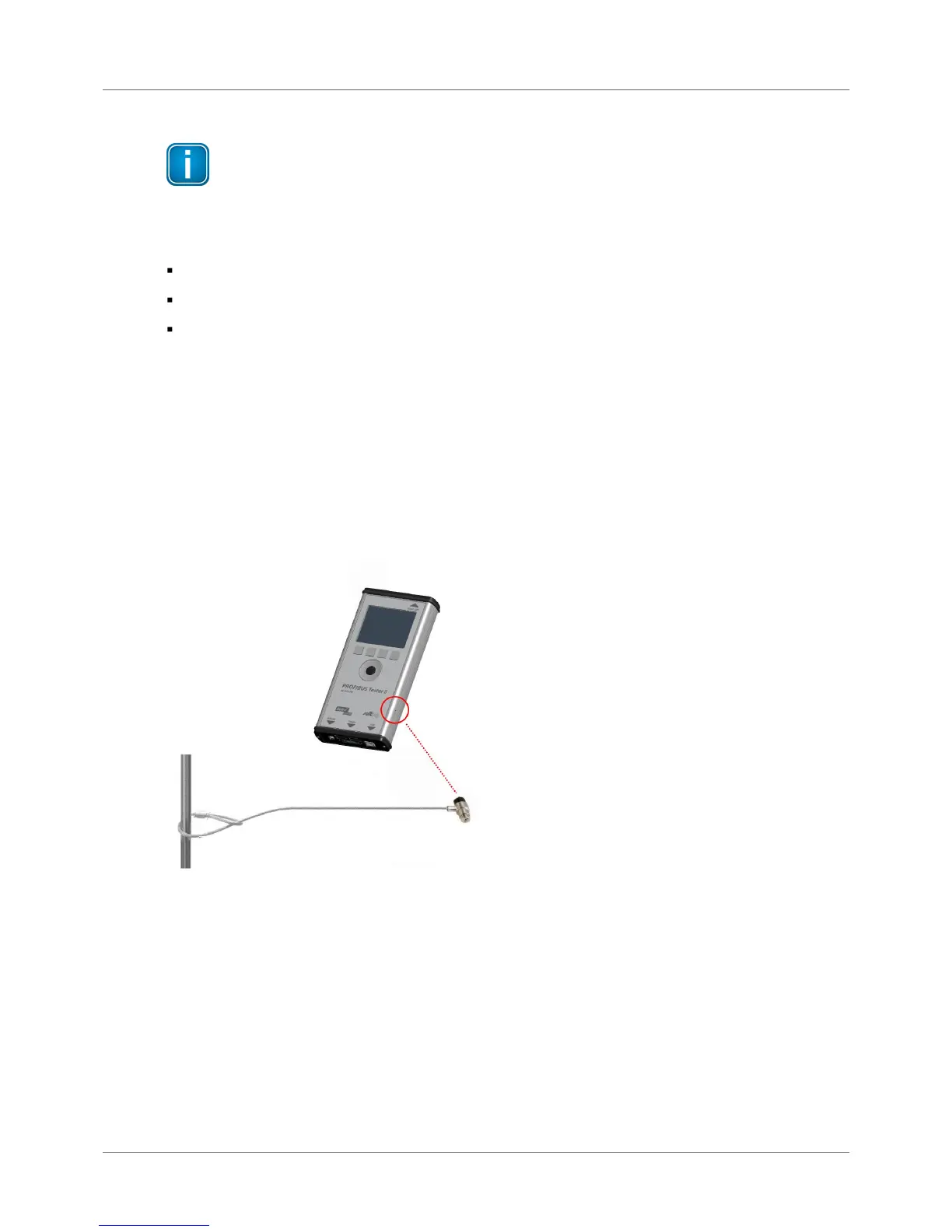
prolonged period of time. You can connect a Kensington lock to the security lock port to prevent your
device being stolen. The Kensington lock is not part of the product delivery and must be purchased
separately. To use the Kensington lock, refer to the product manual. Tie the Kensington lock cable to a
fixed object and install the other end of the cable to the security lock port.
Figure 15: Using a Kensington lock
3.1.6 Test Locations
Basically you can carry out tests anywhere on a physical PROFIBUS segment using the BC-700-PB. Note
that the use of repeaters creates separate physical segments that each needs to be measured
individually.
For the best and most informative signal quality results, perform the tests at the beginning and end of
each physical segment. If these test results indicate problems that cannot be clearly classified
immediately, you should carry out one or more additional tests at the center.



 To Next Page