Chapter 3 - Connection to PROFIBUS-DP
Copyright 2016 Softing Industrial Automation GmbH
25
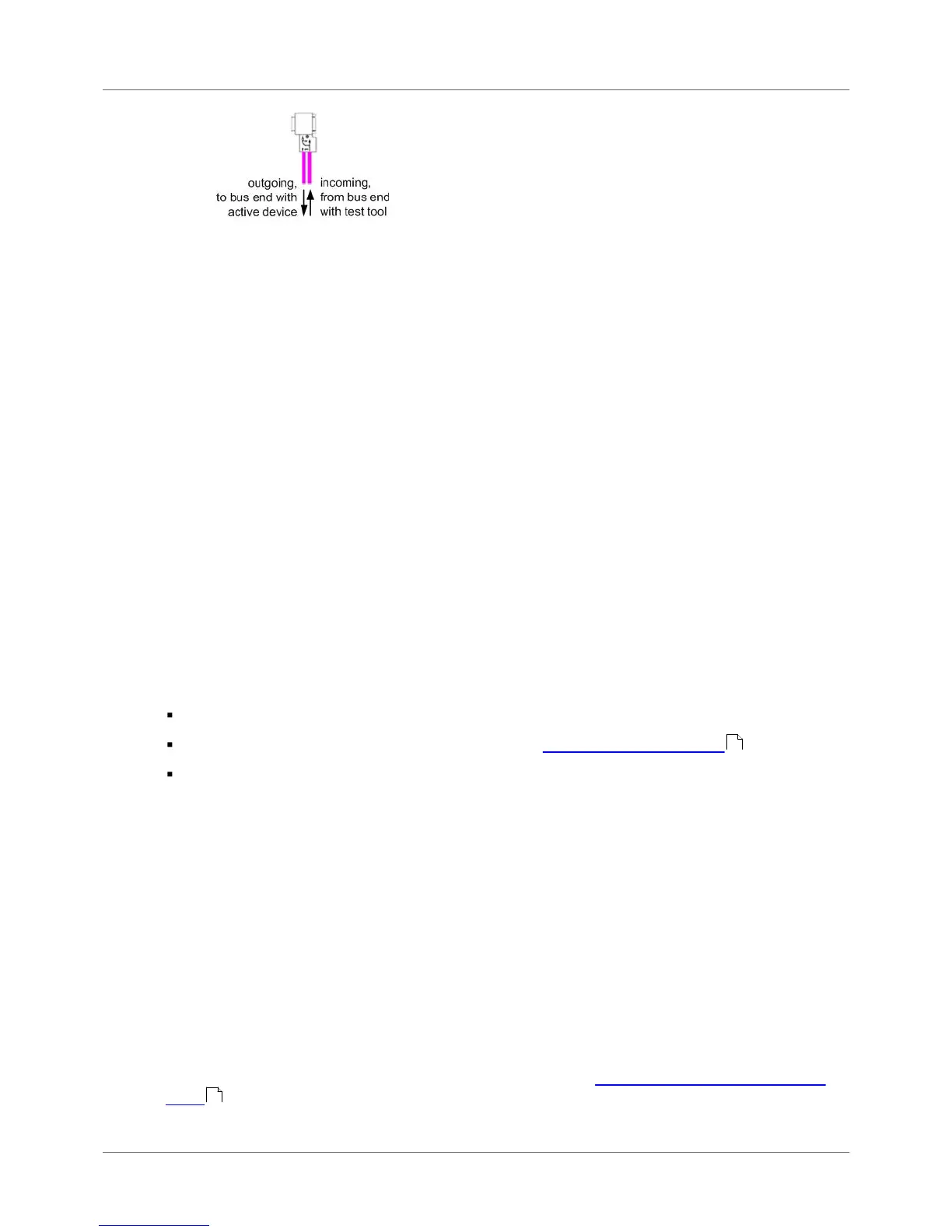
Figure 21: Checking the connection direction at the D-sub connector - topology scan only
2. When using M12 connection:
a. Connect the cable from the bus start or test tool to the incoming M12 connector of the last
slave.
b. A bus termination is required at the outgoing M12 connector of the last slave.
3.5 Connecting to PROFIBUS PA networks
3.5.1 Requirements for analyzing a live bus
When using the BC-700-PB and the BC-700-H1 adapter to carry out measurements on an MBP segment
during operation, it is preferable to connect the tool via free bus connection terminals of the DP/PA
fieldbus coupler. If the bus begins at the coupler, you can simply use the second terminal block at the
DP/PA coupler or at the SK1 or SK2 to sample the bus signal. If the couplers mentioned above are not
located at the beginning of the bus or if the bus begins with an SG3 coupler or if you are interested in
the PROFIBUS PA signal at another test location, we recommend connecting a short spur cable to rail
mounted terminals during system shutdown. This gives you an appropriate connection point and makes
future maintenance work much easier.
3.5.2 PA adapter BC-700-H1 – before you start
Before using the PA adapter BC-700-H1 with the BC-700-PB for the first time make sure the following
preconditions are fulfilled:
PROFIBUS Diagnostics Suite version 3.11 or higher is installed on your PC.
The PA option on the BC-700-PB is activated (refer to Which license is activated?) .
Firmware version on your BC-700-PB is 01.01.02.00 or higher.
3.5.3 Connecting PA-adapter to test device
Mounting
Mount the D-sub connector (male, 9-pin) of the PROFIBUS PA-adapter BC-700-H1 directly to the D-sub
connector (female, 9-pin) of the PROFIBUS Tester 5. If applicable, you may need to remove a mounted
D-sub adapter cable. Optionally you may fix the PA-adapter to the BC-700-PBby means of the two
screws, which are part of the D-sub connector (male, 9-pin). It is possible to stow the BC-700-
PBtogether with the mounted PA-adapter in the carrying case after use.
Disassembly
Disassemble the PA adapter as described above but in reverse order.
Please note also the PROFIBUS PA-specific information in section Display and controls in stand-alone
mode .
39
29



 To Next Page