PROFIBUS Tester 5 (BC-700-PB) - User Manual
52
Copyright 2016 Softing Industrial Automation GmbH
Defective lithium ion batteries may evaporate substances which are harmful to health! Never
inhale!
For proper disposal ask your local recycling center or return battery packs to Softing. Do not ship
damaged battery packs. Contact our support department.
Do not throw into fire!
12.2 Charge battery
CAUTION
Never charge batteries unattended.
Only charge on fire-proof surfaces.
Only use the wide-range power supply (AC adapter) provided with the tool (see Delivery
scope) in order to charge the battery. Set voltage and current correctly. Failure to do so
can cause fire.
If the BC-700-PB indicates a low charge, proceed as follows:
1. Connect the external AC adapter (standard accessory) to a wall outlet.
2. Connect the external AC adapter to the BC-700-PB.
3. The BC-700-PB will automatically start charging. The power key on top of the BC-700-PB is going to
blink steadily during the charge process. The graphical display remains switched off. The device is
fully charged if the power key flares up very shortly.
Alternatively you may power on the device in order to receive additional information about the
charge process. The battery charge level indicator is located at the upper right corner of the screen:
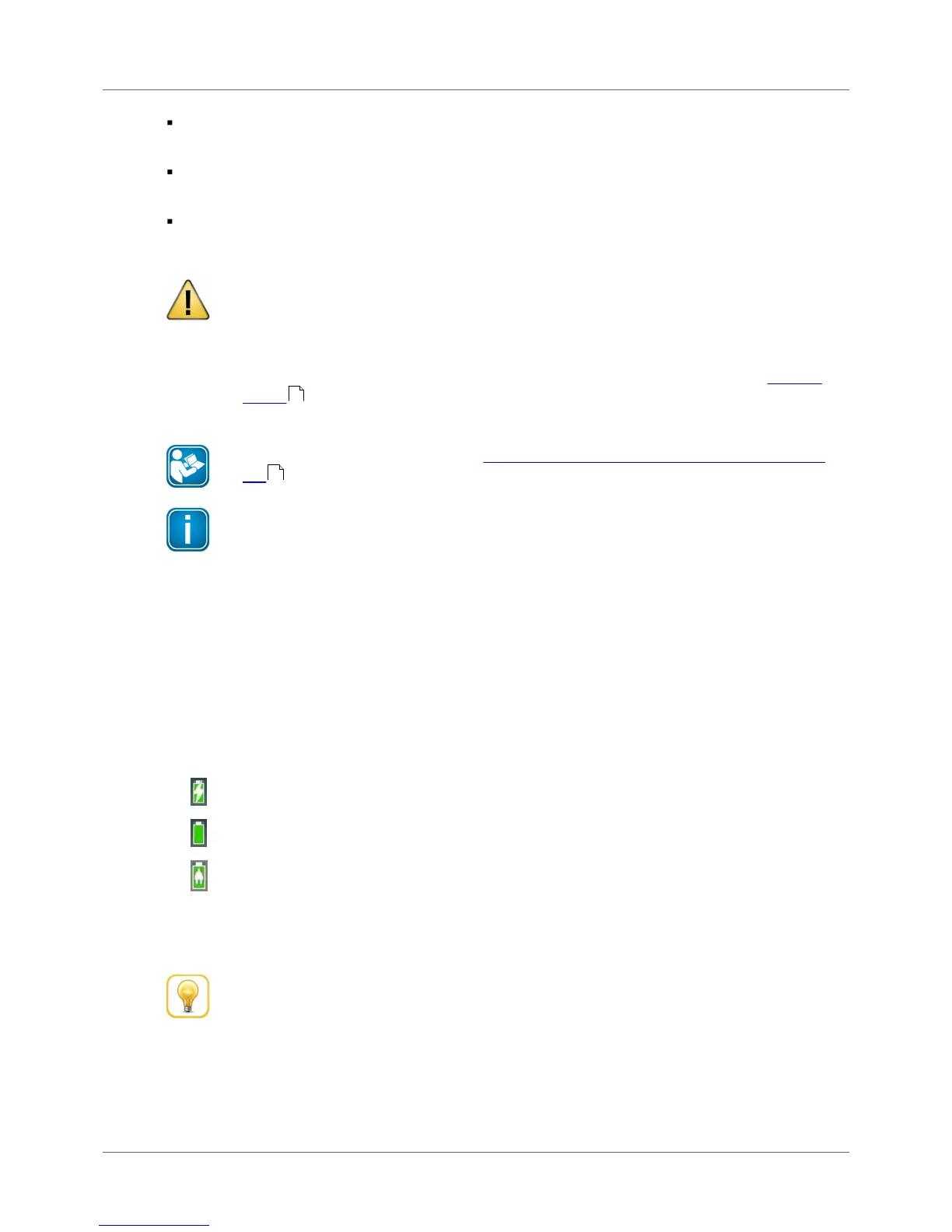
the battery is being charged (white flash symbol).
the battery is fully charged - without mains charger connected.
the battery is fully charged - with mains charger connected.
4. You can disconnect the AC adapter from the device, then from the wall outlet. We recommend
switching off the device in order to save energy.



 To Next Page