PROFIBUS Tester 5 (BC-700-PB) - User Manual
16
Copyright 2016 Softing Industrial Automation GmbH
2.3 Power-on behaviour when USB connected
Install drivers before connecting to USB
Install the PC software "PROFIBUS Diagnostics Suite" and the corresponding drivers before
connecting for the first time to a PC or to a notebook. You will find software and drivers on
the PROFIBUS Diagnostics Suite CD-ROM.
The internal battery of BC-700-PB is NOT charged when being connected to a USB port.
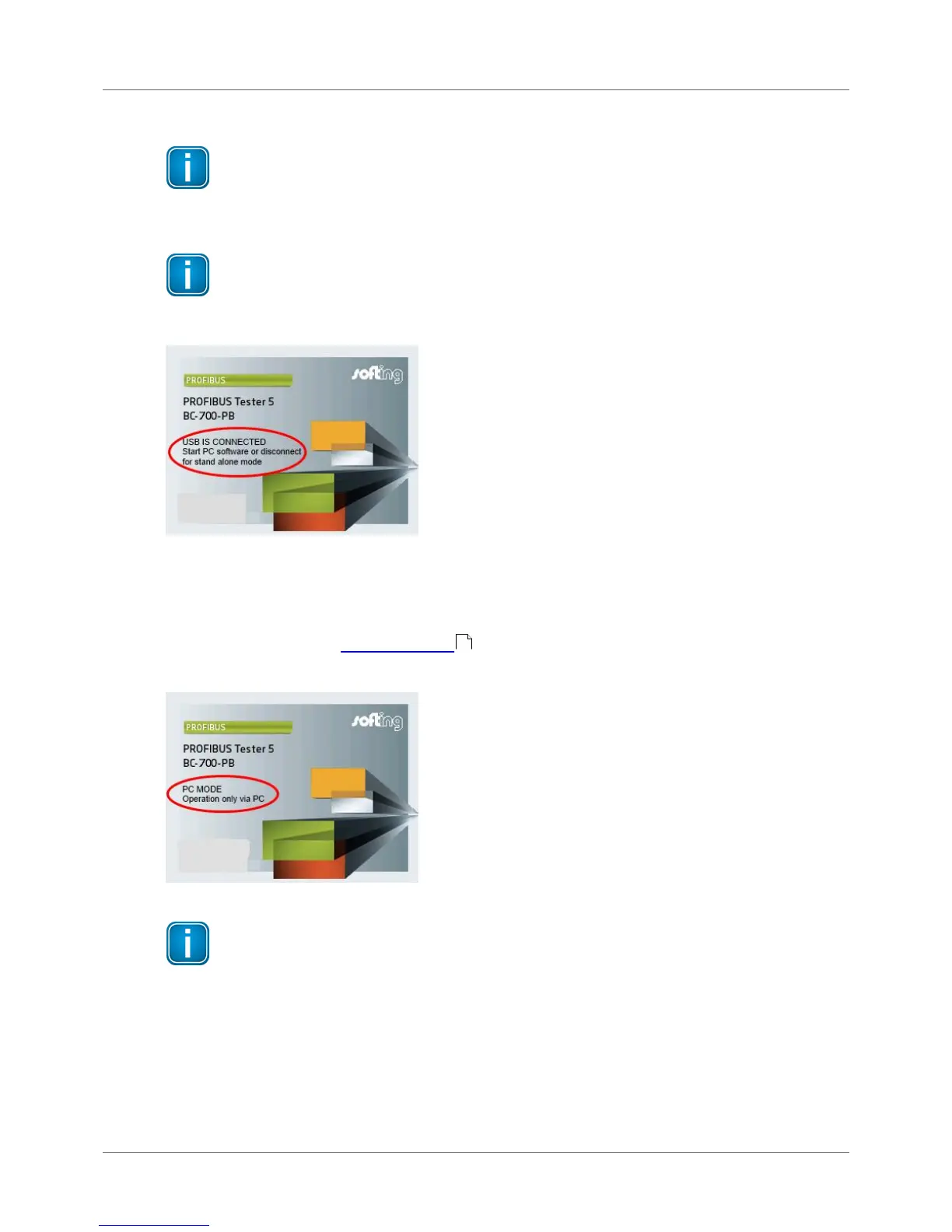
On successful completion of the self-test, the BC-700-PB displays:
Figure 12: Power-up display when USB connected
When you start the PROFIBUS Diagnostics Suite control and evaluation software on your computer and
select the PROFIBUS Tester and a network for testing in its user interface, the test tool switches to PC
mode. At this point, a firmware update instead of using the control and evaluation software might be
started automatically. See Firmware update .
The display shows:
Figure 13: Display during test with PC software
Do not connect/disconnect the USB while the device is booting.
2.4 Power-off and sleep mode
Power-down
Press power key for more than three seconds in order to power-down the device. There is no power
consumption if the device is powered down. The device can be stored for long a period of time.
40



 To Next Page