Chapter 4 - Display and control in stand-alone mode
Copyright 2016 Softing Industrial Automation GmbH
37
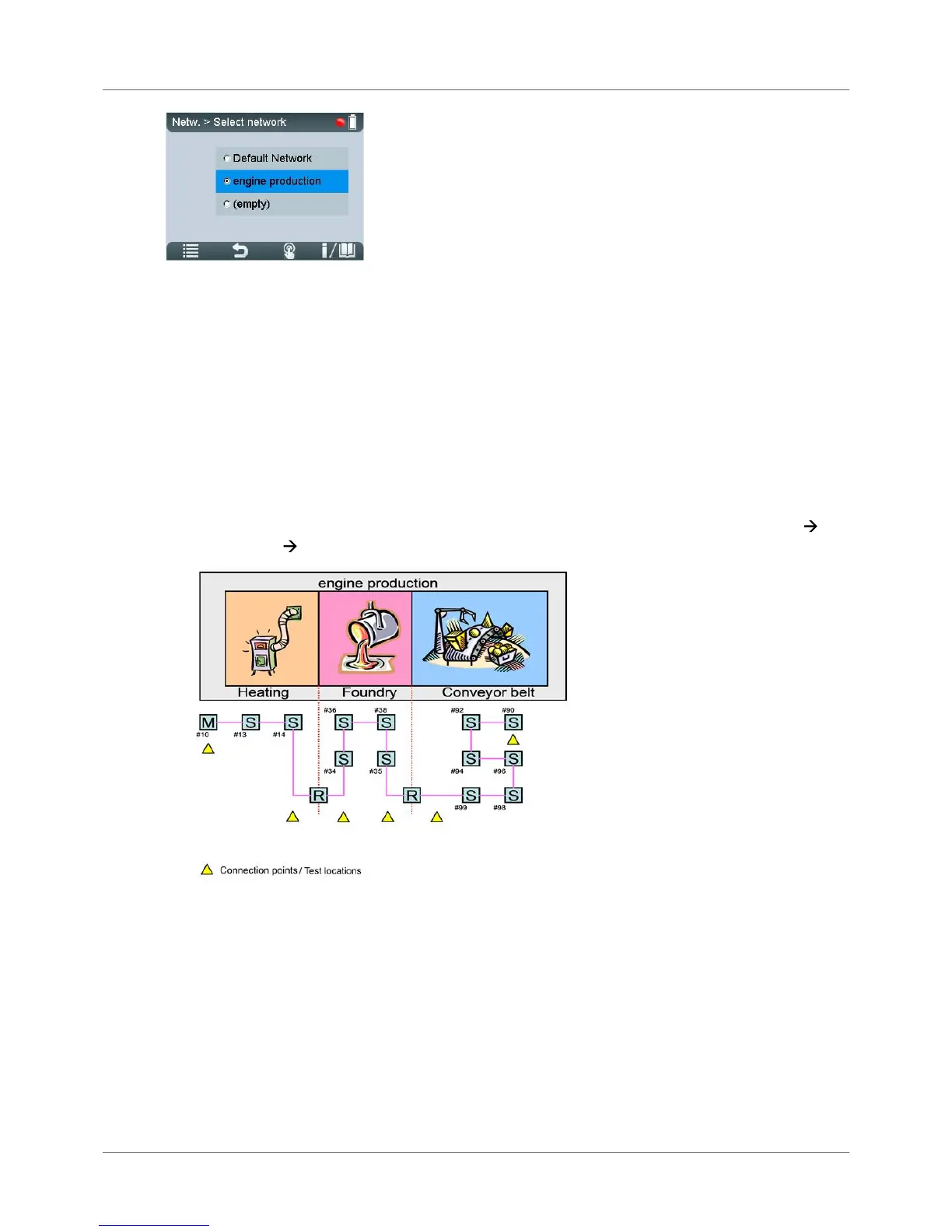
Figure 28: Select Network – the radio button is set to "engine production"
Test results in stand-alone mode are stored under the specified test location in the network you have
defined as the storage location. Thus, test results will be organized and stored in BC-700-PB according
to their test location. Refer to the figure below to see an example network which could be organized as
follows in BC-700-PB (recommendation):
1. Use the Networks/ Select network function and select an empty network folder. Enter the network
name (e.g. "engine production").
2. Use the Edit network function and rename the default segment (e.g. to "heating") and add two new
segments (e.g. "foundry" and "conveyor belt").
3. Use the Test locations function and generate six test locations.
4. Assign test location to segments. To do so, use the Test locations function or select Networks
Edit Networks Edit Segment.



 To Next Page