6 Operation
6.1 Graphics display
The graphics display on the front of the inverter shows the inverter’s system variables,
status information, and failure messages. The display allows you to learn the current
device status, access the integrated data logger, and enter various settings for the
inverter. Navigate the various menus using the three buttons under the display.
The display is backlighted to improve readability when lighting is poor. Activate the back-
light by pressing any of the buttons. The backlight remains active for 180 seconds after
the buttons were last used.
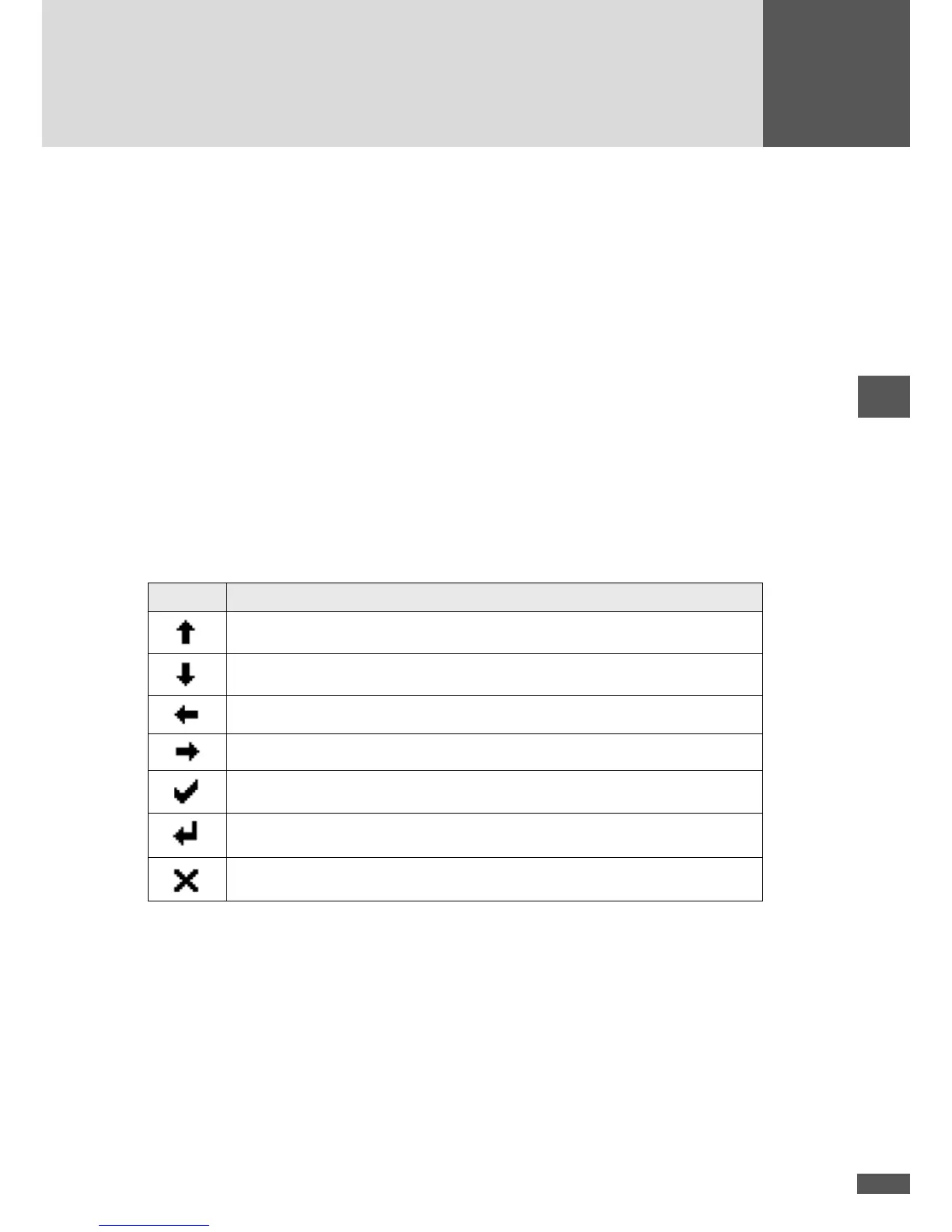
Menu button symbols
With the help of the symbols shown here you can navigate the various menus and func-
tions visible in the display. The current button function may change from one menu to
the next and corresponds to the symbol appearing directly over the button in each case:
Symbol Function
Scroll up, increase number, or next element
Scroll down, or previous element
Back to higher level menu
Select next number
Display selected sub-menu or conrm changes
Launch edit mode for selection
Abort



 To Next Page