6.3 Overview
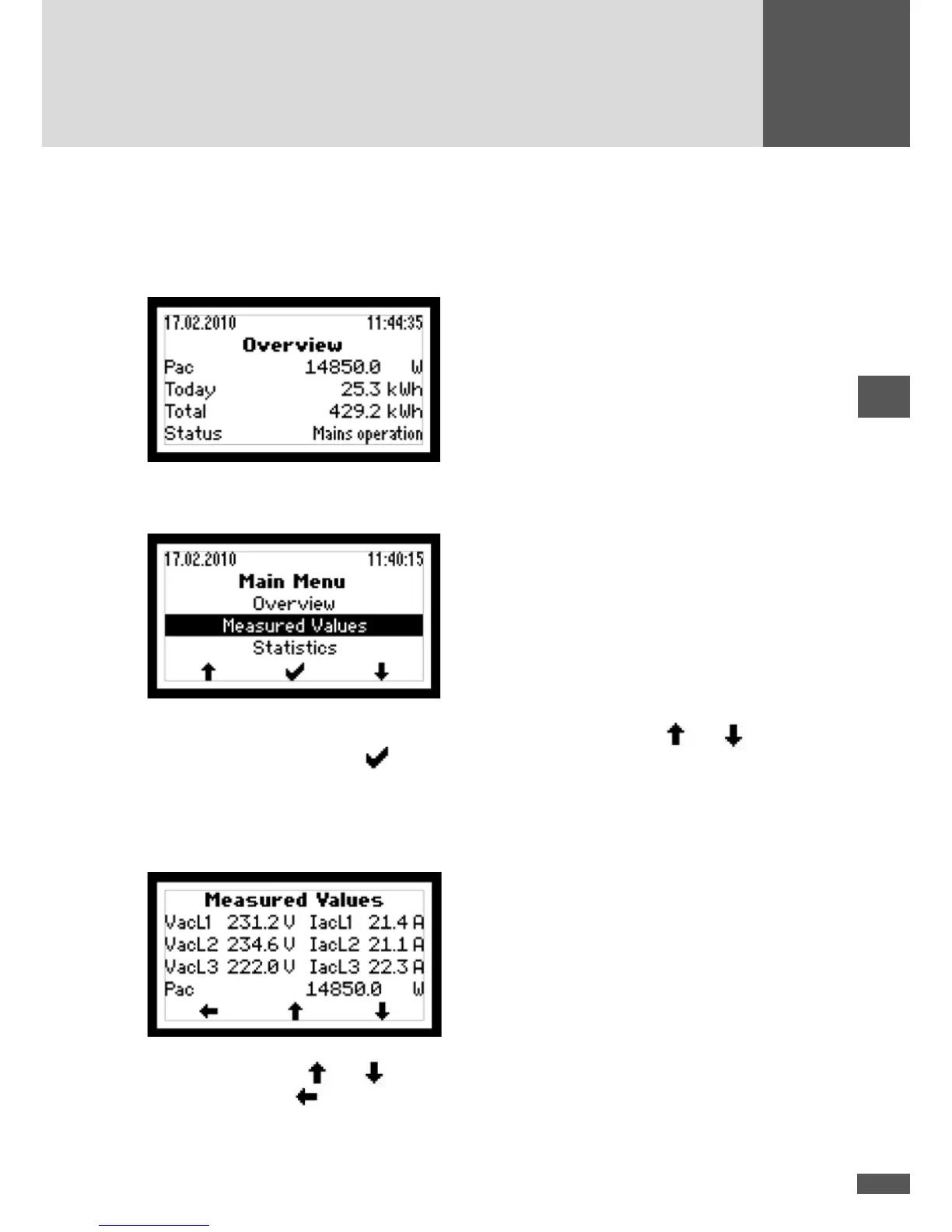
If none of the three buttons is pushed for 120 seconds, the display returns automatically
to the Overview menu showing the three most important values as well as the current
operating status.
6.4 Main menu
The Main menu provides access to other menu levels. Use the arrow keys and to
select the desired menu. Click
to conrm your selection.
6.5 Measured values
The current inverter measured values can be accessed in the “Measured values” menu.
Use the arrow buttons and to navigate the measured values.
Press the left button
to return to the Main menu.



 To Next Page