Working Instruction, Mechanical
3/000 21-1/FEA 209 544/108 B
© Sony Ericsson Mobile Communications AB
30(53)
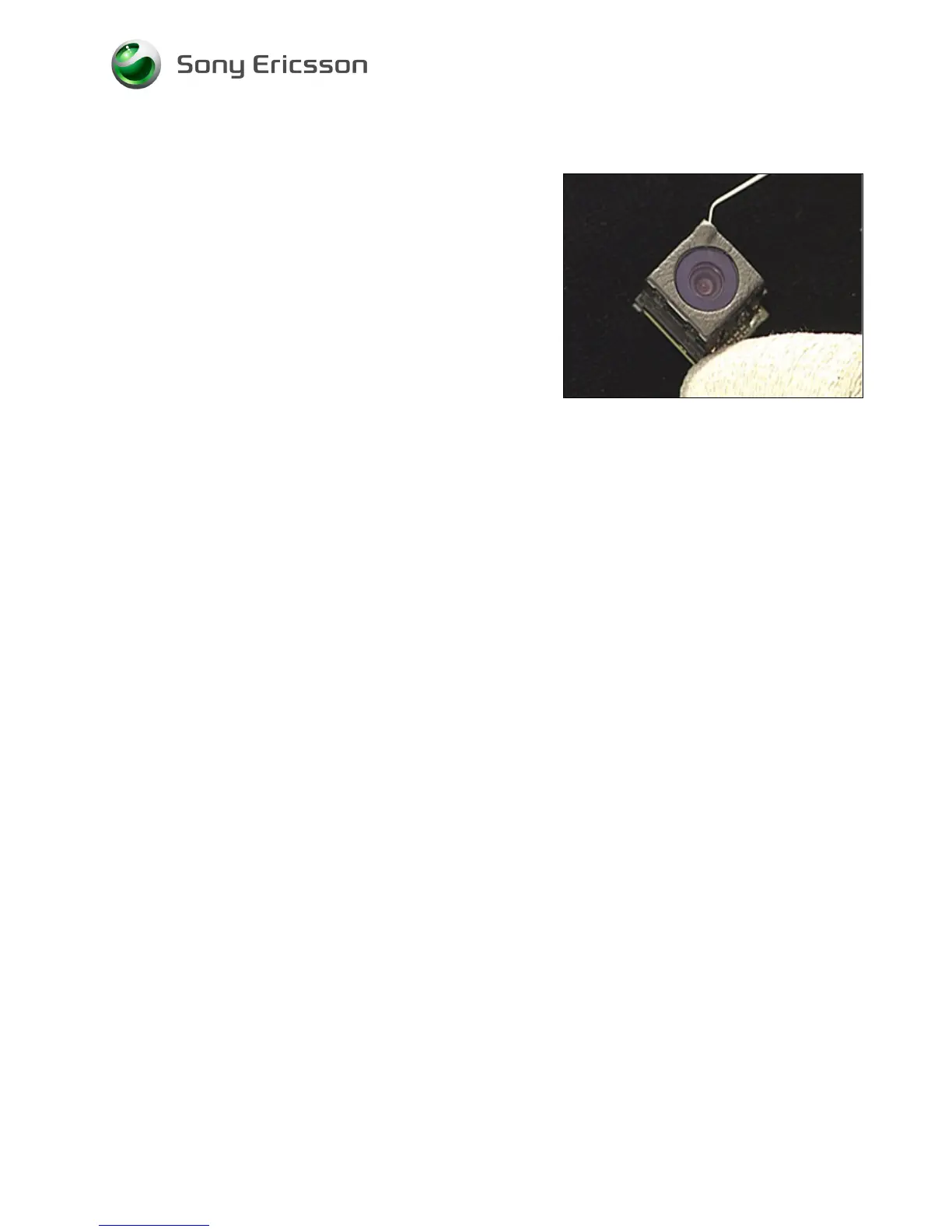
3.18 Camera Gasket
Follow the 2.1.1 – 2.1.7 Disassembly instructions!
Remove the camera as described in 3.7!
D
O NOT TOUCH THE CAMERA LENS!
Gently remove the camera gasket with the dentist hook and
the tweezers.
CLEAN THE SURFACE WITH ISOPROPYL ALCOHOL!
Attach a new camera gasket with the tweezers and your
fingers.
Install the camera as described in 3.7!
Follow the 4.1.1 – 4.1.7 Reassembly instructions!














 To Next Page