Working Instruction, Mechanical
3/000 21-1/FEA 209 544/108 B
© Sony Ericsson Mobile Communications AB
31(53)
3.19 Camera Glas
REMOVAL
Follow the Removal instructions of section 2.1.1 – 2.1.7
Remove the camera as described in 3.7!
Be careful not to damage the camera and its flexfilm.
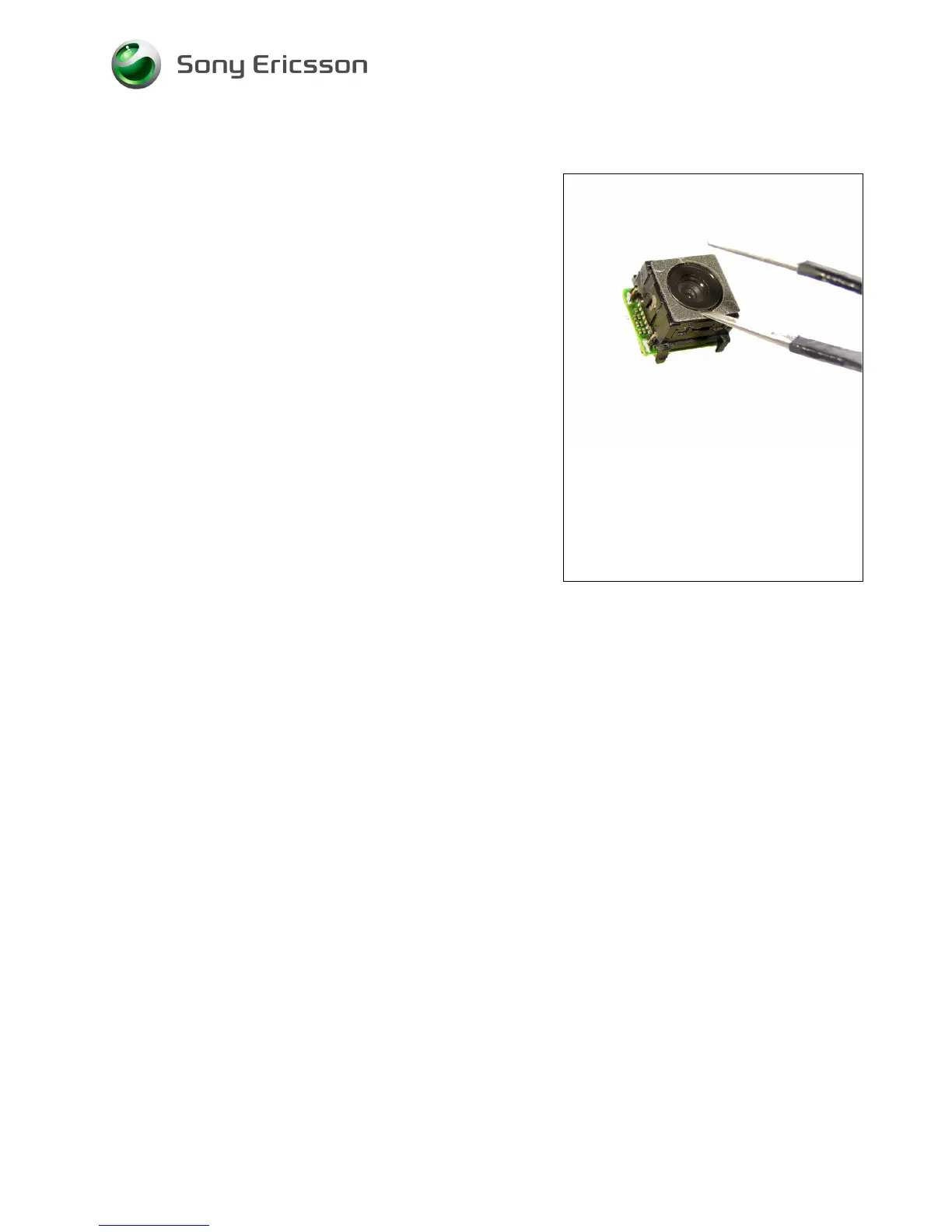
Gently remove the old camera glas with a blunt pair of
tweezers.
ASSEMBLY
If necessary, clean the surface of the camera with
isopropyl alcohol before attaching a new glas. Be careful
not to get any alcohol in the camera!
Attach a new camera glas with the tweezers.
Install the camera as described in 3.7!
Follow the Assembly instructions of section 4.1.1 – 4.1.7














 To Next Page