1-32
DNW-A220
DNW-A220P
SY-259/259A Board
Switches
n
The switches S202-5 to S202-8 have been set at the factory according to the characteristics of a VTR or
unit. Only when replacing the board, be sure to change settings following instructions.
Also do not change settings of the factory-use switches.
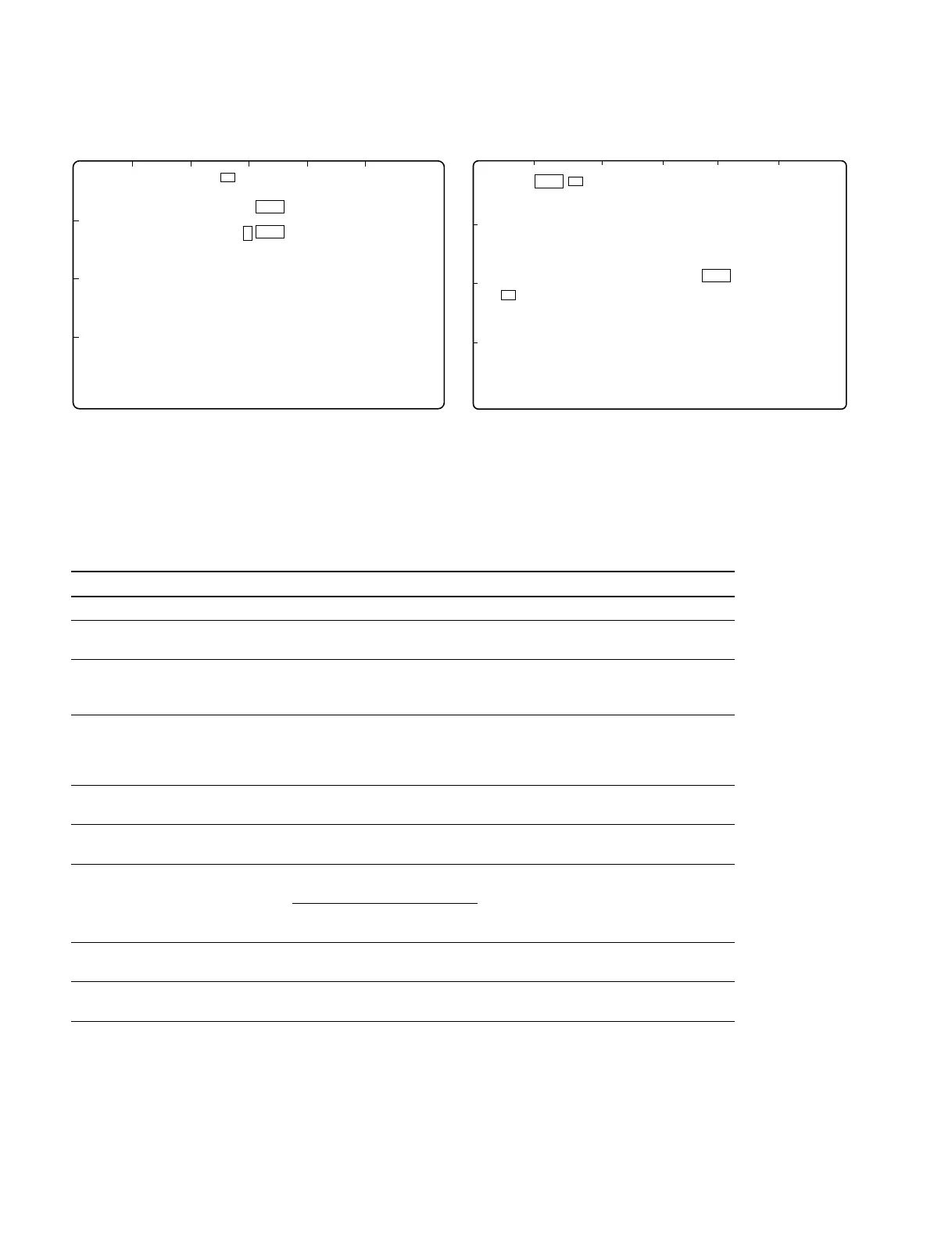
Ref.No. Switch name Description Factory setting
S100 SYSTEM RESET Press to reset system control operation –––
S200 MAINTE MODE Press to start the maintenance mode –––
START
S201-1 EXTENDED Turns on and off the indication of extended setup menu OFF
MENU OFF: Not indicated
ON: Indicated
S201-2 MAINTE MODE OFF: Not accessible to the maintenance mode from OFF
ACEESS the control panel
ON: Accessible to the maintenance mode from the
control panel
S201-3 to Factory use OFF
S201-8
S202-1 to Factory use OFF
S202-4
S202-5 RECORDER/PLAYER Determined in combination with S202-5 and S202-6 –––
S202-6 S202-5 S202-6
Recorder OFF ON
Player ON OFF
S202-7 J/UC OFF: for Japan ON
ON: except Japan
S202-8 525/625 OFF:525/60 model OFF (for DNW-A220)
ON:625/50 model ON (for DNW-A220P)
SY-260 Board
S201 (address: D1) on the SY-260 board is for factory use only.
Factory setting : S201-1 → ON
S201-2 to 8 → OFF
1-9. Settings for Internal Switches/Slit Lands
S100
S200
S201
S202
1
2
3
4
A B C D EF
SY-259 Board (A Side)
S100
S200
S201
S202
SY-259A Board (A Side)
A B C D EF
1
2
3
4



 To Next Page