5-26
2. VCO Adjustment (PD-128 Board)
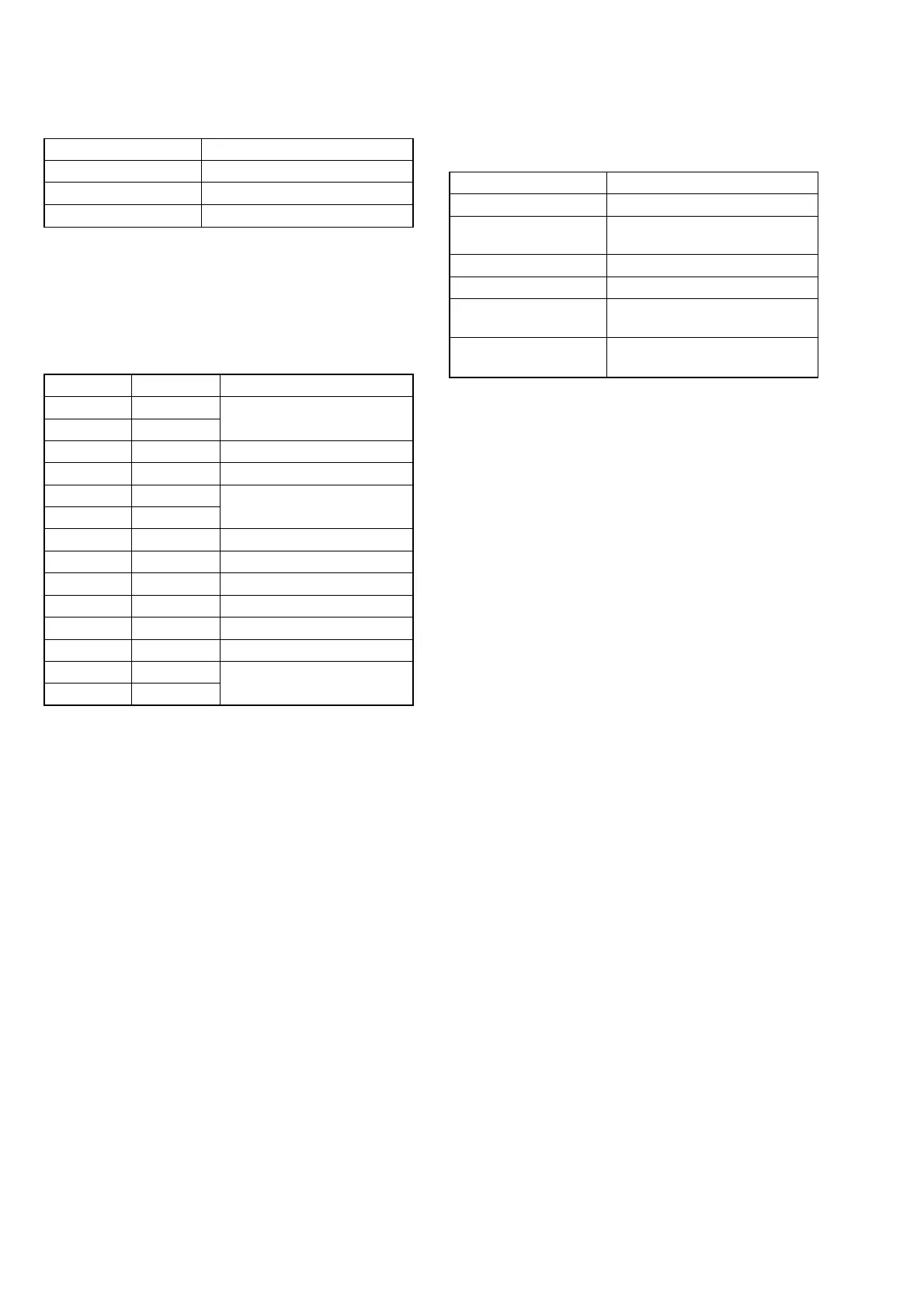
Set the VCO free-run frequency. If deviated, the LCD screen will
be blurred.
Mode PLAY
Signal Arbitrary
Measurement Point Pin 7 of CN709 (HSY) on SY-
58 board
Measuring Instrument Frequency counter
Adjustment Page D
Specified Value D7 (NTSC)
DD (PAL)
Specified Value f = 15734 ± 30 Hz (NTSC)
f = 15745 ± 30 Hz (PAL)
Menu setting:
1) VIDEO OUT of SET UP menu................ NTSC (NTSC mode)
(This adjustment must be performed in NTSC mode, so don't
set the menu setting to “PAL”)
Adjusting method:
1) Select page: 0, address: 01, and set data: 01.
2) Select page: 5, address: F0, and set data: 01.
3) Select page: D, address: D7, change the data and set the fre-
quency (f) to the NTSC specified value.
4) Press the PAUSE button of the adjusting remote commander.
5) Select page: D, address: DD, and change the data and set the
frequency (f) to the PAL specified value.
6) Press the PAUSE button of the adjusting remote commander.
Processing after Completing Adjustments:
1) Select page: 5, address: F0, and set data: 00.
2) Select page: 0, address: 01, and set data: 00.
Address Data Remark
1C 89 Fixed value
1D 2D
D0 BC Bright Adjustment
D1 80 Color Adjustment
D2 B9 White Balance Adjustment
D3 B7
D4 BE Contrast Adjustment
D5 C8 D Range Adjustment
D6 7C V-COM Level Adjustment
D7 80 VCO Adjutment (NTSC)
D8 74 V-COM Adjustment
DD 88 VCO Adjutment (PAL)
DE 13 Fixed value
DF 11
1. LCD Initial Data Input
Mode PLAY
Signal Arbitrary
Adjustment Page D
Adjustment Address 1C, 1C, D0 to D8, DD to DF
Adjusting method:
1) Select page: 0, address: 01, and set data: 01.
2) Select page: D, and enter the data given in the following table.
Note: Press the PAUSE button of the adjusting remote commander
each time the data are set, as the data are written to non-
volatile memory (EEPROM).
Processing after Completing Adjustments:
1) Select page: 0, address: 01, and set data: 00.











 To Next Page