72
Attaching to a Wall or Ceiling
To attach the camera on a wall or ceiling, use the
appropriate bracket and mounting screws (
1
/
4
", 20 ridges).
For more details, contact your authorized Sony dealer.
Mounting a Microscope Adaptor
To attach the camera to a microscope, it is necessary to first
mount an appropriate adaptor. The method for mounting
these adaptors is the same as for lenses.
For more details, refer to the manual for each adaptor.
Mounting on a Tripod
To mount the camera on a tripod, use the screw hole in the
bottom of the camera body.
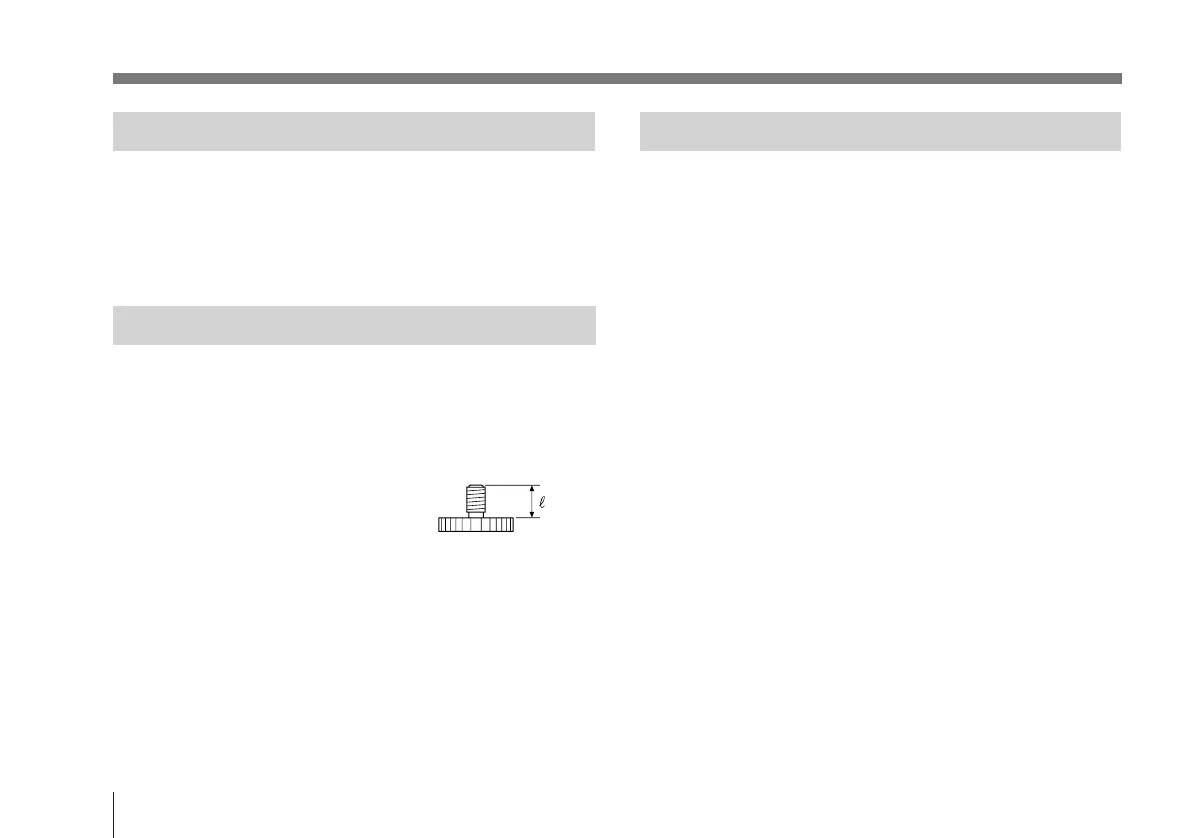
Mounting screw to be used
U1/4", 20 UNC
n: 4.5 ± 0.2 mm (ISO standard)
n: 0.197 inches (ASA standard)
Installation



 To Next Page