101
Adjusting the White Balance
Each time the lighting conditions change, adjust the white
balance so that optimal color reproduction is obtained.
Adjusting the white balance
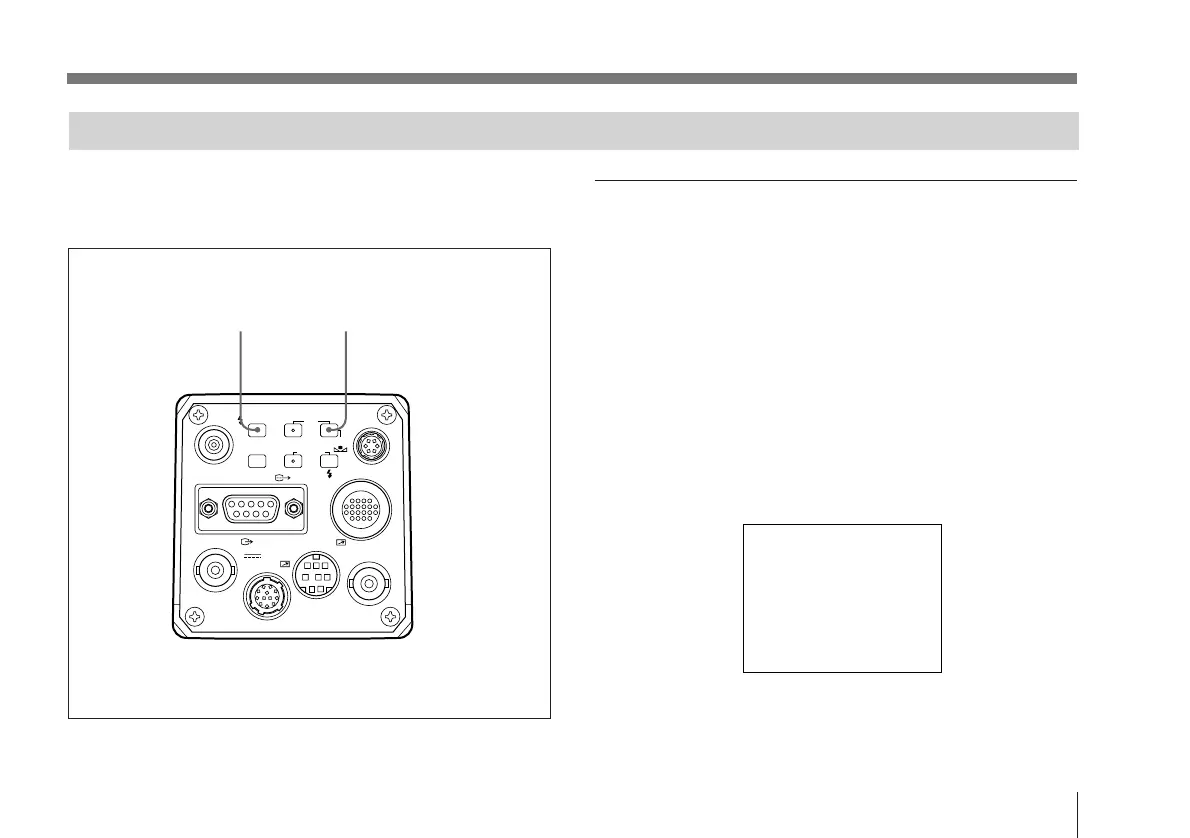
1 Press the MENU button for one second. (The menu is
displayed.)
2 Choose “2. Color Setup” and make the following
settings for color temperature and white balance.
See “Menu Operation (Changing the Settings)” on
page 86.
C.Temp: 3200K or 5600K (depending on the
lighting conditions)
WHT.Bal: auto
2. Color Setup
>C.Temp
WHT.Bal
R paint
B paint
Linear Matrix
Shading
:B
3200K
auto
off
off
on
off
VIDEO OUT
GEN LOCK
DC IN/
REMOTE
CCU
FLASH
LENS
MENU FUNCTION DATA
UP
WHITE
BARS
DOWN
RGB/SYNC
REMOTE
16



 To Next Page