86
Changing the Camera Settings
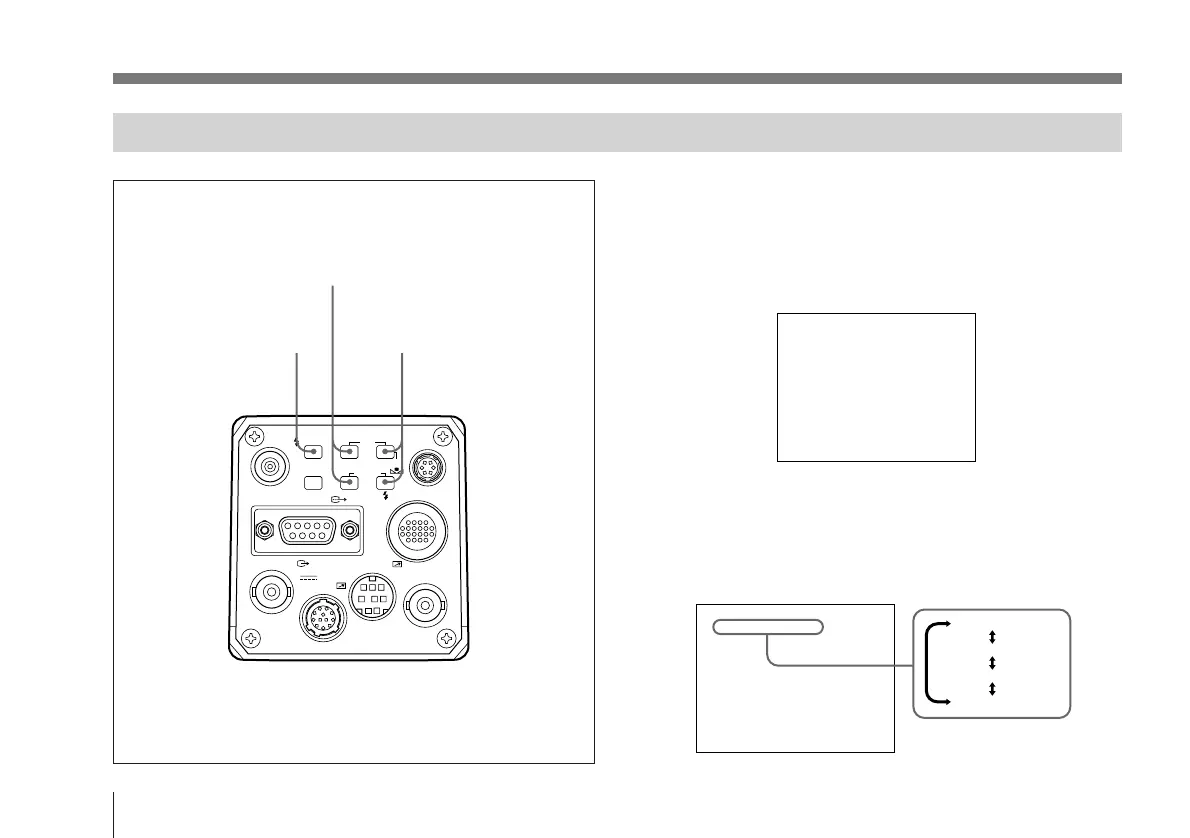
The settings on the menu can be changed as follows:
1 Press and hold down the MENU button for one second.
The menu page that was selected last is displayed on
the monitor screen.
2 Press the FUNCTION UP button to bring the cursor to
the first line.
3 Press the DATA UP or DOWN button to select a page.
VIDEO OUT
GEN LOCK
DC IN/
REMOTE
CCU
FLASH
LENS
MENU FUNCTION DATA
UP
WHITE
BARS
DOWN
RGB/SYNC
REMOTE
2, 4
1 3, 5
>1. Exposure Setup
Gain
Shutter
AE window
Field/Frame
:A
AGC
off
medium
field
Menu Operation (Changing the Settings)
>1. Exposure Setup
Gain
Shutter
AE window
Field/Frame
:A
AGC
off
medium
field
1. Exposure Setup
2. Color Setup
3. General Setup
4. System Setup



 To Next Page