94
2. Color Setup menu (page 2)
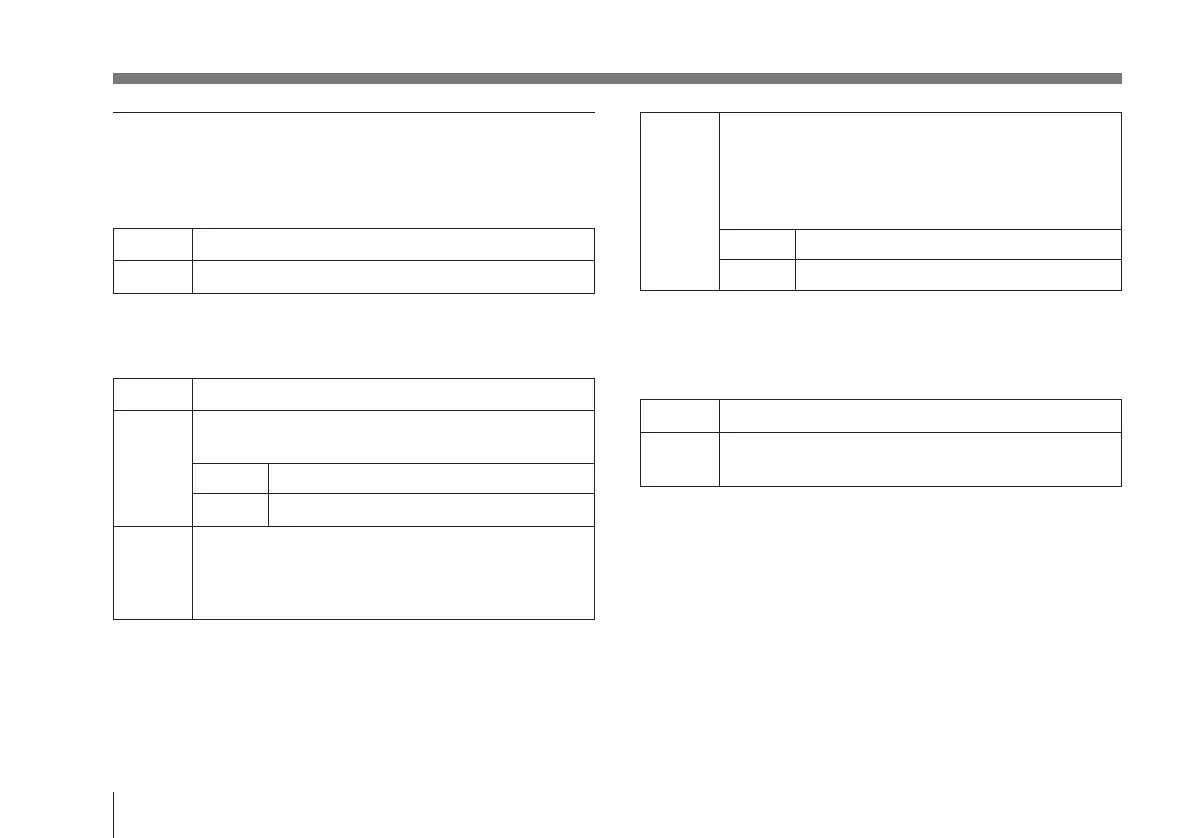
C.Temp (color temperature) [3200K/5600K]
Selects the color temperature accordance to the lighting.
3200K Use for indoor shooting.
5600K Use for outdoor shooting.
WHT.Bal (white balance) [auto/manu/ATW]
Selects the white balance settings.
auto Use for automatic adjustment of the white balance.
manu Use for manual adjustment of white balance. Both red
gain (R gain) and blue gain (B gain) are adjustable.
R gain Adjusts the red gain (–99 to +99).
B gain Adjusts the blue gain (–99 to +99).
ATW Activates the auto-tracing white balance. This mode is
suitable when the light source changes. The white
balance is automatically adjusted as the color
temperature changes.
Changing the Camera Settings
ATW Paint
If “WHT.Bal” is set to auto or ATW, use this to fine
adjust the white balance. If auto or ATW is selected,
the “R paint” and “B paint” values are displayed on the
menu. Adjust these while looking at the screen.
R paint Adjusts the red paint (–7 to +7).
B paint Adjusts the blue paint (–7 to +7).
Linear Matrix [on/off]
When in the ON position, images are processed with a color
matrix to produce natural colors.
on Colors adjusted to natural colors.
off Colors not adjusted.
(Use when you want to process the picture.)
Shading [off/1 to 99]
If the camera unit is attached to a microscope, a green color
or a magenta color may appear at the top or bottom of the
screen. To eliminate these colors, use the Shading (1 to 99)
function. Adjust the colors while looking at the screen. If
the colors become darker when this function is turned off,
contact your authorized Sony dealer.



 To Next Page