31
4-5-1. Operating the Continuous Playback Mode
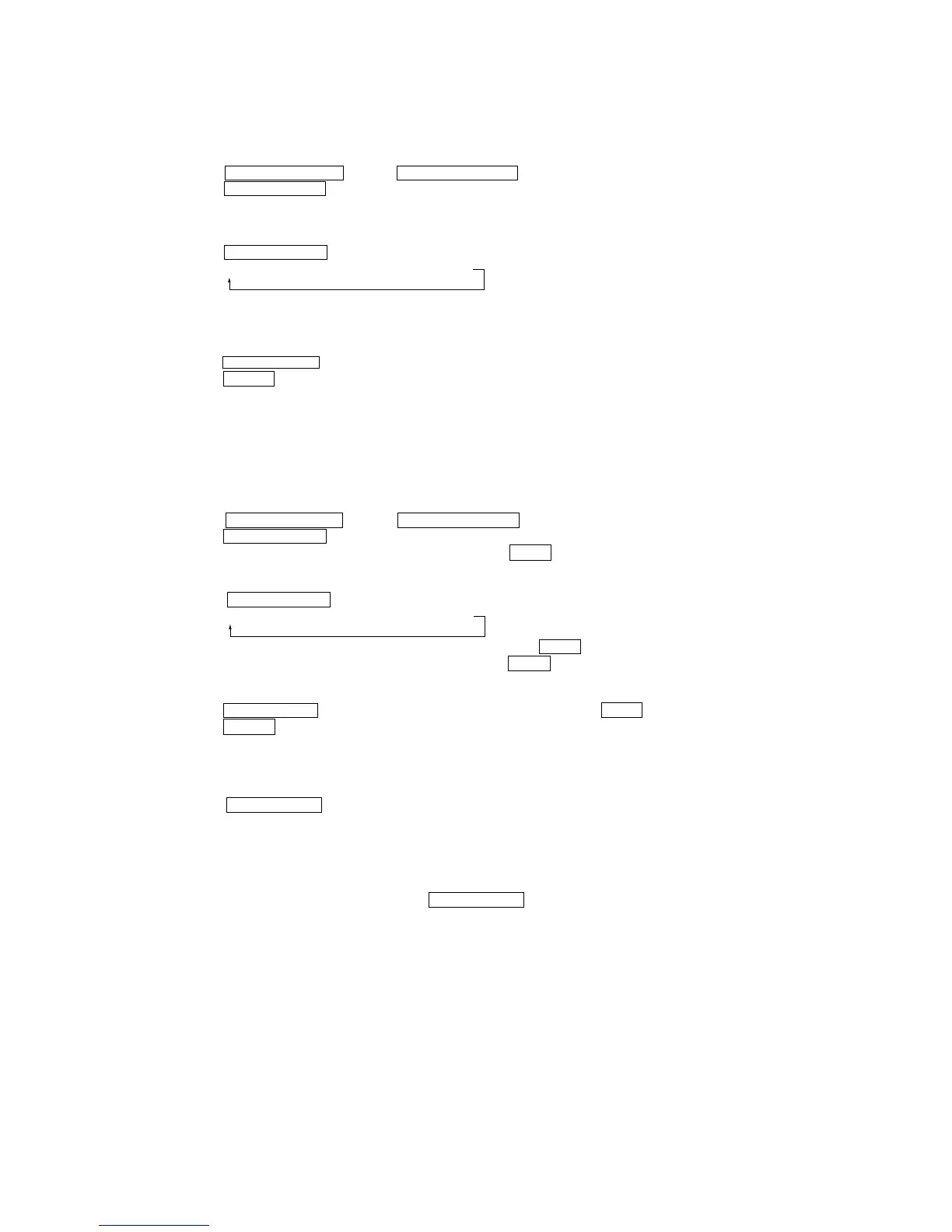
1. Entering the continuous playback mode
1 Set the disc in the unit. (Whichever recordable discs or discs for playback only are available.)
2 Press the lm/TUNING – button or ML/TUNING + button and display “CPLAY MODE”.
3 Press the ENTER/YES “R” button to change the display to “CPLAY MID”.
4 When access completes, the display changes to “C1 = AD = ”.
Note : The numbers “” displayed show you error rates and “ADER”.
2. Changing the parts to be played back
1 Press the ENTER/YES “R” button during continuous playback to change the display as below.
When pressed another time, the parts to be played back can be moved.
2 When access completes, the display changes to “C1 = AD = ”.
Note : The numbers “” displayed show you error rates and “ADER”.
3. Ending the continuous playback mode
1 Press the MENU/NO “R” button. The display will change to “CPLAY MODE”.
2 Press the A (MD) button to remove the disc.
Note : The playback start addresses for IN, MID, and OUT are as follows.
IN 40h cluster
MID 300h cluster
OUT 700h cluster
4-5-2. Operating the Continuous Recording Mode (Use only when performing self-recording/palyback check.)
1. Entering the continuous recording mode
1 Set a recordable disc in the unit.
2 Press the lm/TUNING – button or ML/TUNING + button and display “CREC MODE”.
3 Press the ENTER/YES “R” button to change the display to “CREC MID”.
4 When access completes, the display changes to “CREC ()” and z MD indicator lights up.
Note : The numbers “” displayed show you the recording position addresses.
2. Changing the parts to be recorded
1 When the ENTER/YES “R” button is pressed during continuous recording, the display changes as below.
When pressed another time, the parts to be recorded can be changed. z MD indicator goes off.
2 When access completes, the display changes to “CREC ()” and z MD indicator lights up.
Note : The numbers “” displayed shows you the recording position addresses.
3. Ending the continuous recording mode
1 Press the MENU/NO “R” button. The display changes to “CREC MODE” and r MD indicator goes off.
2 Press the A (MD) button to remove the disc.
Note 1 : The recording start addresses for IN, MID, and OUT are as follows.
IN 40h cluster
MID 300h cluster
OUT 700h cluster
Note 2 :The MENU/NO “R” button can be used to stop recording anytime.
Note 3 :Do not perform continuous recording for long periods of time above 5 minutes.
Note 4 :During continuous recording, be careful not to apply vibration.
4-5-3. Non-Volatile Memory Mode (EEP MODE)
This mode reads and writes the contents of the non-volatile memory.
It is not used in servicing. If set accidentally, press the MENU/NO “R” button immediately to exit it.
“CPLAY MID” n “CPLAY OUT” n “CPLAY IN”
“C REC MID” n “C REC OUT” n “C REC IN”


 To Next Page