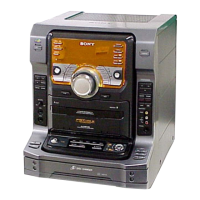
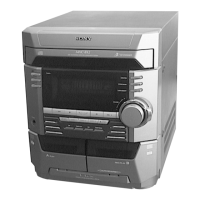
9
LED and Fluorescent Indicator Tube All Lit, Key Check Mode
Procedure :
1. When the power ON, press the ?/1 button while pressing PLAY MODE/DIRECTION/TUNIG MODE button and s button together.
2. Frame of the MD mark and the CD mark flash, and “BASS/TRE FLAT” appears for a moment.
3. When the VOLUME knob is turned clockwise, “VOLUME MAX” appears for a moment.
4. When the VOLUME knob is turned counterclockwise, “VOLUME MIN” appears for a moment.
5. Every pressing of the MUSIC MENU “R” button changes the display in the following order. “BASS/TRE MAX” t “BASS/TRE MIX”
t “BASS/TRE FLAT”
6. Select the function “TAPE” using the FUNCTION button. Set the test tape AMS-110A or AMS-120.
7. Press PLAY MODE/DIRECTION/TUNIG MODE button to enter either “j” (loop) or “h” (two way).
8. Press the SYNCHRO REC button to start the AMS test.
9. Number of AMS signals is counted during the AMS test and the message “EDG#” (# means a number) appears. When the test tape
either AMS-110A or AMS-120 is used, the AMS signal is detected twice before shut off.
10. When the AMS test ends, either “OK” or “NG” appears.
11. To exit the MC test mode, either press the ?/1 button or perform the cold reset as described above.
(FWD) REW (Shut


 To Next Page