Displaying the subtitle rm_
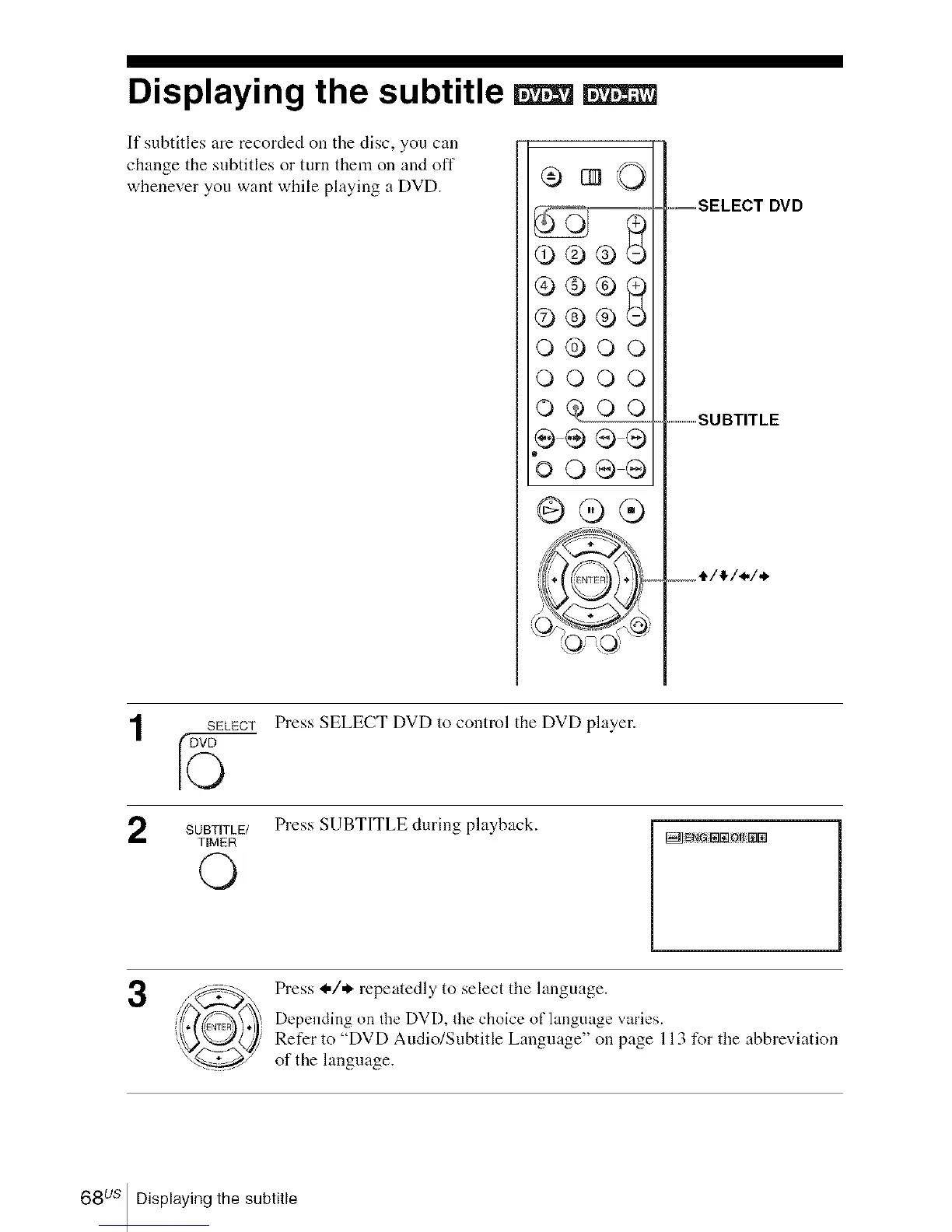
If subtitles are recorded on the disc, you call
change the subtitles or turn them on and off
whenever you want while playing a DVD.
®®®
O®OO
OOOO
ogoq
@@®
.....SELECT DVD
.......................SUBTITLE
SELECT
5
SUBTITLE/
TIMER
©
Press SELECT DVD to control the DVD player.
Press SUBTITLE during playback.
3
Press I,/* repeatedly to select the language.
Depending on the DVD. the choice of language varies.
Refer to "DVD Audio/Subtitle Language" on page 113 for the abbreviation
of the language.
68 us Displaying the subtitle














 To Next Page