VCR Additional Operations
Quick Timer Recording
Alter you have started recording, you can
have the VCR stop recording autonlatically
after a specified duration.
_QQ
Q®®
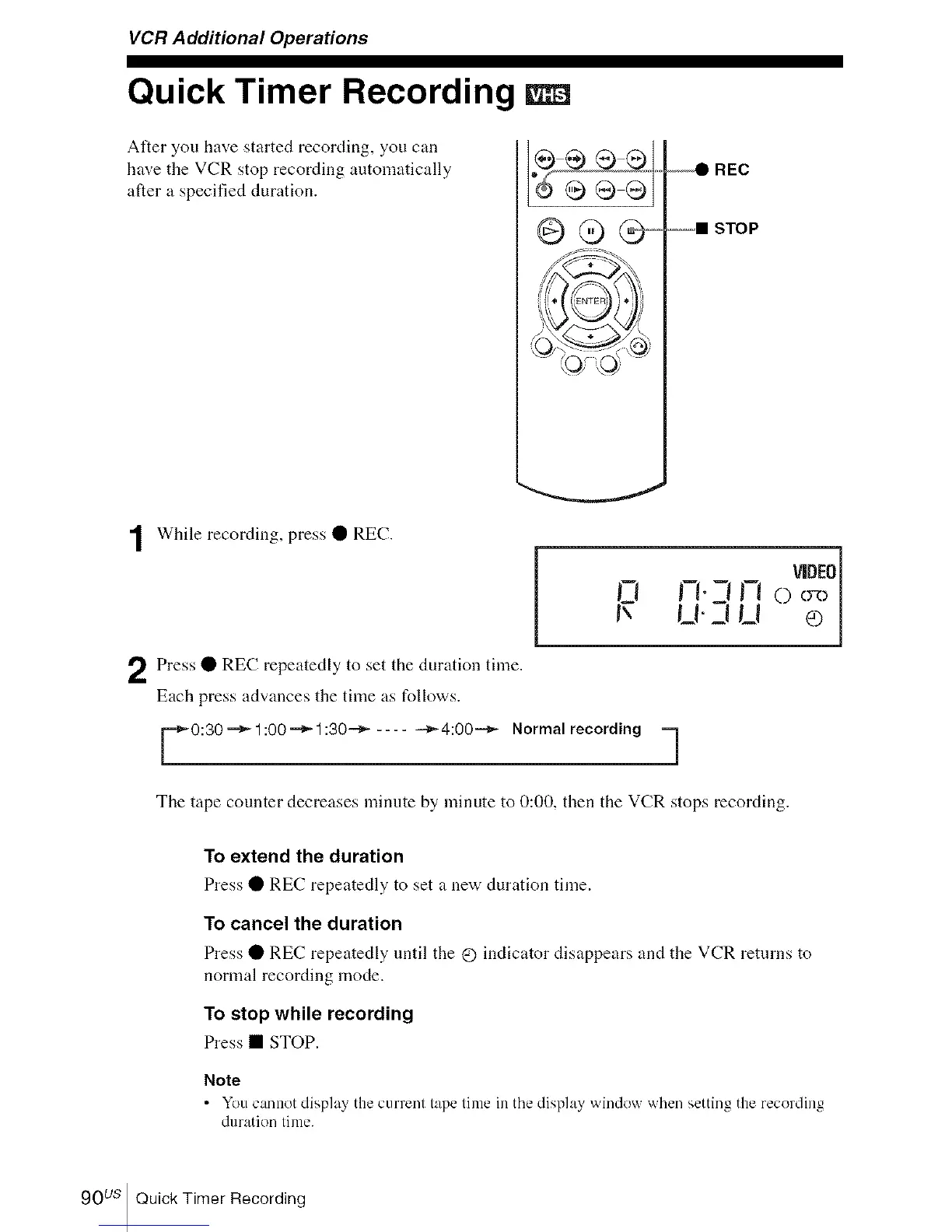
While recording, press • REC.
Press • REC repeatedly to set the duration time.
Each press advances the time as follows.
VIDEO]
l_'l D'-I i-i O oR>|
U-_nEt oj
0:30"=_1:00"=_1:30 "-_ .... --_4:00"-_ Normal recording ==]
The tape counter decreases minute by minute to 0:00, then the VCR stops recording.
To extend the duration
Press • REC repeatedly to set a new duration time.
To cancel the duration
Press • REC repeatedly until the @ indicator disappears and the VCR returns to
normal recording mode.
To stop while recording
Press • STOP.
Note
• You cannot display the current tape lime in the display window when setting the recording
duration lime.
90 us Quick Timer Recording














 To Next Page