Step 2 : Setting up the remote commander
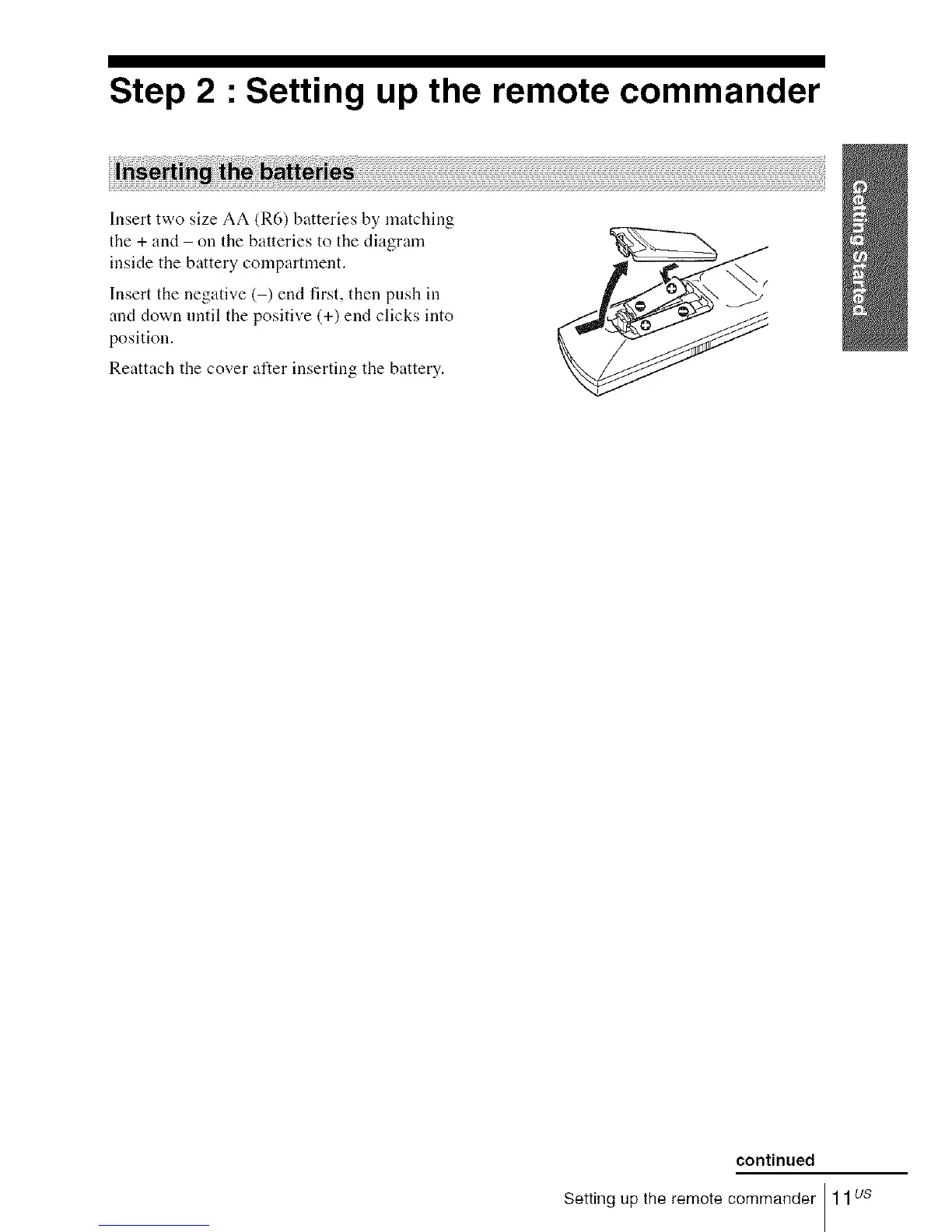
Insert two size AA (R6) batteries by matching
the + and on the batteries to the diagram
inside the battery compartment.
Insert the negative ( ) end first, then push in
and down until the positive (+) end clicks into
position.
Reattach the cover alter inserting the battery.
continued
Setting up the remote commander 11us














 To Next Page