Searching using various functions
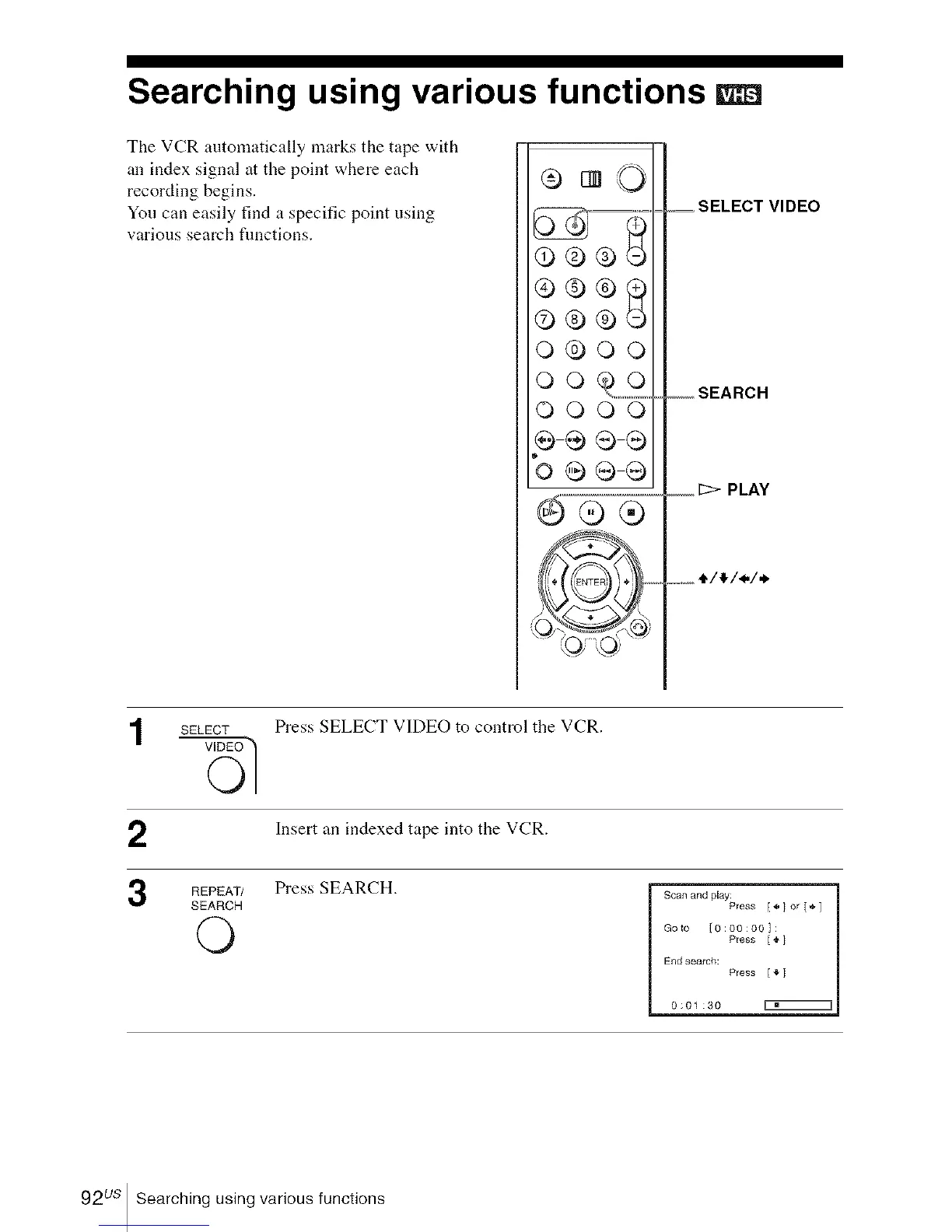
The VCR automatically marks the tape with
an index signal at the point where each
recording begins.
You can easily find a specific point using
various search fimctions.
©®®
o®oo
QQ_,_,_,_
QQOQ
= SELECT VIDEO
_ SEARCH
PLAY
o_,_ ,I,/_,/<./,,.
SELECT
Press SELECT V]DEO to control the VCR.
Insert an indexed tape into the VCR.
REPEAT/ Press SEARCH.
SEARCH
©
Scan and play:
Press [ _,] or [,_, 1
Goto {0:00:00]:
Press [ ,I,]
End search:
Press [_" ]
0:01:30
92 us Searching using various functions














 To Next Page