Step 6 : Presetting channels
This DVD-VCR is capable of receiving VHF channels 2 to 13, UHF channels 14 to 69 and
unscrambled CATV channels 1 to 125. First, we recommend that you preset the receivable
channels in your area using antomatic presetting methods. Then, if there are any unwanted
channels, disable them manually. If you have already decided which channels you wish to
preset, set them directly using manual presetting methods (page 28).
Before you start...
• Turn on the DVD-VCR and your TV.
When using a cable box, turn it on.
• Set the TV to video input so that the signal
from the player appears on the TV screen.
• Set TV / DVD.VIDEO switch to
DVD.VIDEO on the remote.
• If the DVD player is in play mode, you
cannot display the setup menu. Stop the
DVD playback.
o®ooi
OOOOi
_QQi
bo÷÷i
Q®®
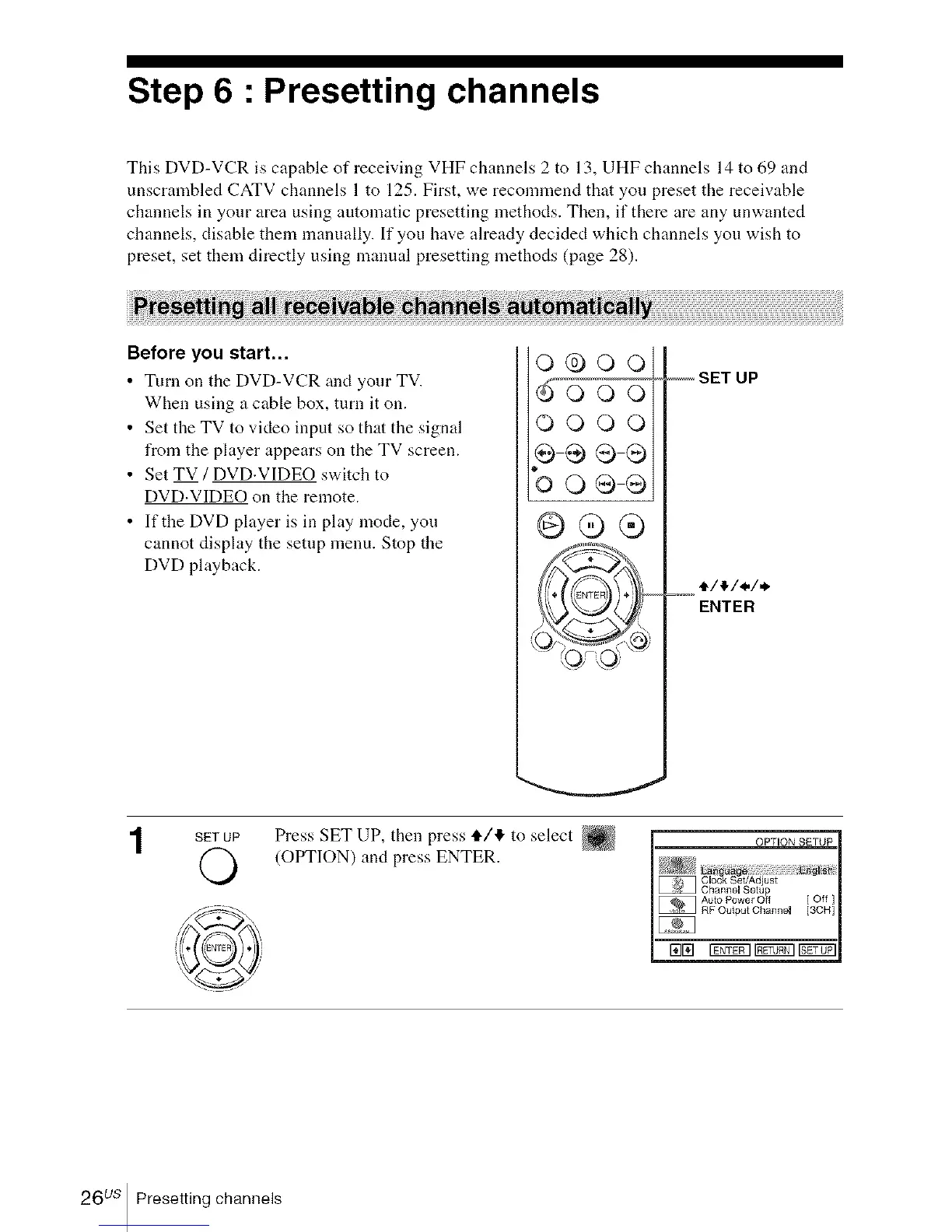
-- SET UP
t/_/./.
=--°ENTER
SET UP
©
Press SET UP, then press tl,/4 to select
(OPTION) and press ENTER.
26 us Presetting channels














 To Next Page