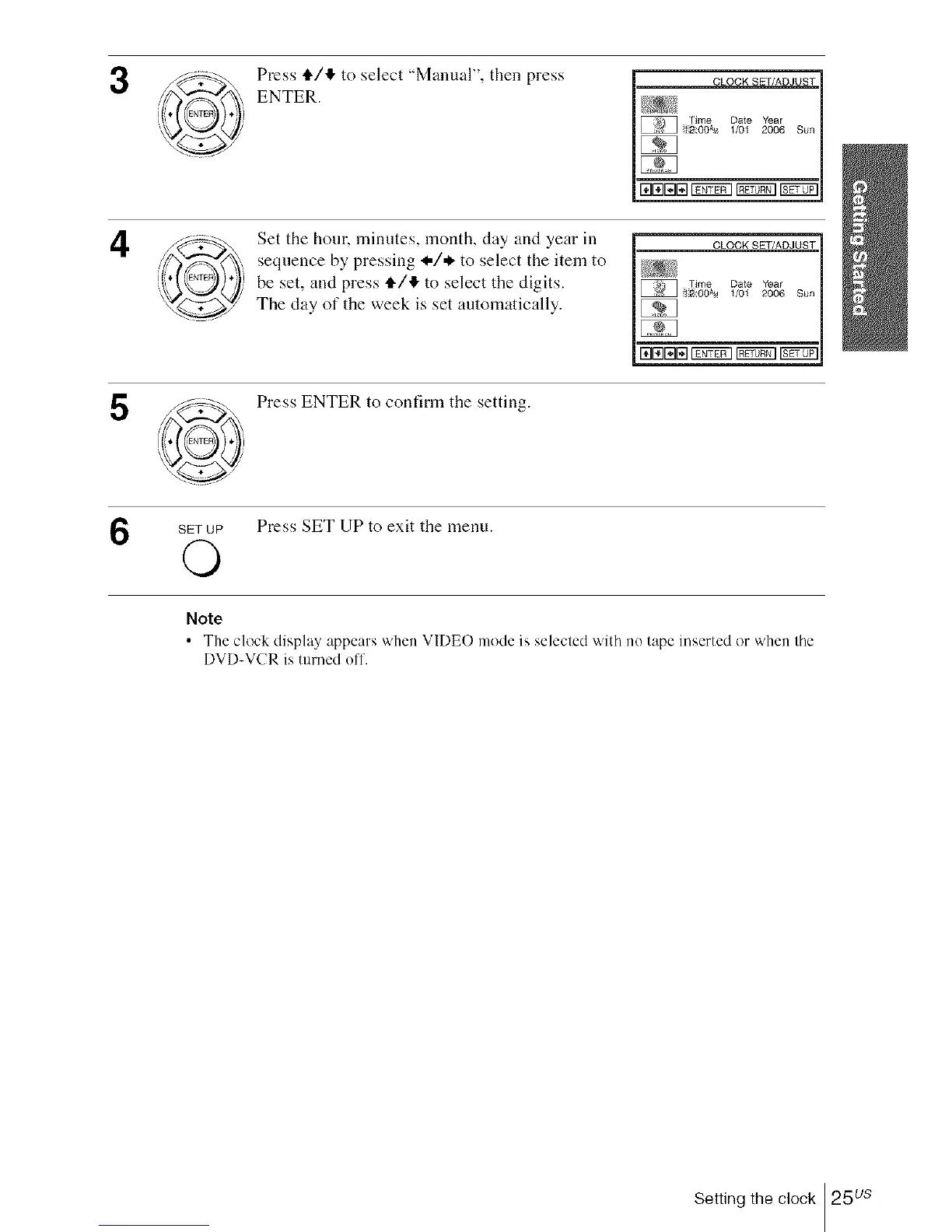
Press tl./,I, to select "Manual", then press
ENTER.
4
5
Set the hour. minutes, month, day and year in
sequence by pressing _,/* to select the item to
be set, and press tl./4 to select the digits.
The clay of the week is set automatically.
- CLOCK SET/ADJUST-
I' Time Date 'rear
I_E_ _:OOA'_ 1/01 2006 Sun
Press ENTER to confirm the setting.
SETUP Press SET UP to exit the menu.
©
Note
• The clock display appears v,'hen VIDE() mode is selected with no tape inserted or v,'hen the
DVD-VCR is turned off.
Setting the clock 25us














 To Next Page