SETUP Press SET UP to exit the menu.
O
Menu choices
Tile default settings are indicated ill bokt print.
Menu option Set this option to
A/lto Po_,_er Off • "Off" to deactivate tile A/lto Power Off f/lnction.
• "lHr"/"2Hr" to turn tile DVD-VCR off autmnatically if no
signal is received and you do not press any of tile buttons
during this time.
RF Output Channel • "3¢1-1" when using channel 3 to receive tile VCR signal.
• "4CH" when using channel 4 to receive tile VCR signah
For details, see page 99.
When connecting the DVD-VCR to the TV
using only the antenna cable, you must set
the RF Output channel in the "OPTION
SETUP" menu so that the TV can receive the
correct signal from the DVD-VCR.
Q©Q
@®®
O®O0
OOO@
OOOO
bo®®
--TV/VIDEO
Set the RF Output channel to "3CH" or "4CH" (see page 98 to set the channel), whichever
channel is not used in your area. If both are used, set the switch to either channel.
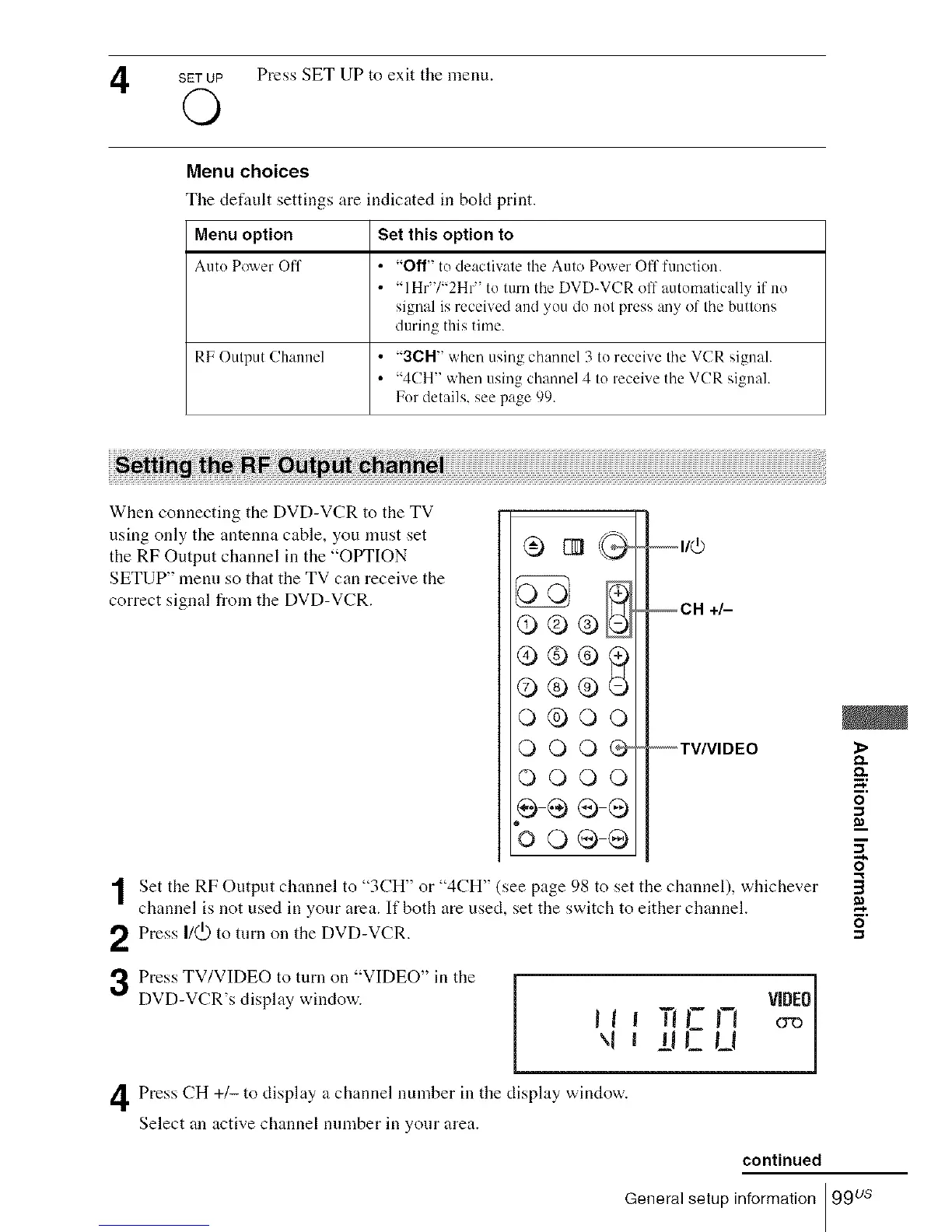
Press I/(._) to turn on the DVD-VCR.
Press TV/VIDEO to tuna on "VIDEO" in the
DVD-VCR's display window.
FI VIDEO
l\ll IJ_
Press CH +/- to display a channel nmnber in tile display window.
Select an active channel number in your area.
m,
8"
continued
General setup information 99 us














 To Next Page