13
Getting Started
Getting Started
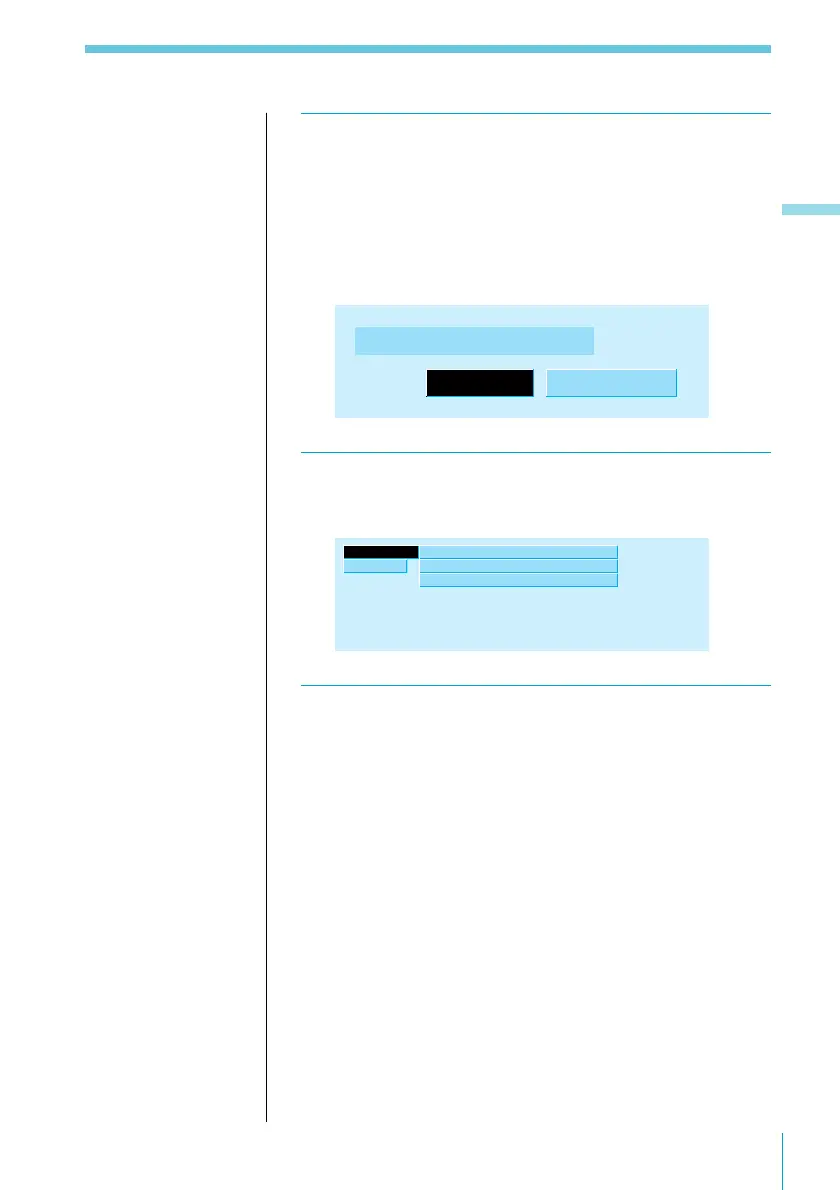
3 Press ENTER.
The Cross-over Network (output mode) indication
appears.
Press ? or / to select “3way” or “F (front)/R (rear)/
SUB-W (sub-woofer)” depending on your speaker
system.
Cross-over Network
3way F/R/SUB-
W
4 Press ENTER.
The Initial indication appears.
Initial” Contrast 8
ACC Position
Cross-over Network
yes
3way
Exit
5 To complete the initial settings, press . to
select “Exit,” then press ENTER.
Note
If you have a 3-way
speaker system,
selecting “F/R/SUB-
W” may cause damage
to your tweeter.
Useful tips
To change any of the
initial settings at this
time, press the cursor
buttons to select the
item you want to
change.



 To Next Page