Listening to the Radio
37
Listening to the Radio
Notes
• If the radio can only
tune in a few stations
or only weak
frequencies, the BTM
function may not
assign frequencies to
all the preset station
numbers.
• When you preset the
RDS stations, the
system stores the AF
and TA data as well
as the frequency (see
page 40). To cancel
this, see pages 40 and
41.
Presetting Radio Stations with the
Strongest Signals
(BTM)
The BTM (Best Tuning Memory) is a function that selects the radio stations with the
strongest signals and automatically sets them to preset station numbers.
If you activate the BTM function while listening to an FM broadcast with the AF
function (see page 35) turned on and TA function (see page 45) turned off, the system
presets only the FM RDS stations.
If the TA function is on, the stations that broadcast
traffic announcements only are preset. When both
the AF and TA functions are set to off or while you’re
listening to the MW or LW broadcast, the system
presets the stations with the strongest signals in your
area.
If you activate the BTM function while listening to a
preset station, the system replaces only the contents
of preset numbers higher than the current one.
If you activate the function while tuning to a station
which is not preset, all the contents of the preset
memory will be replaced.
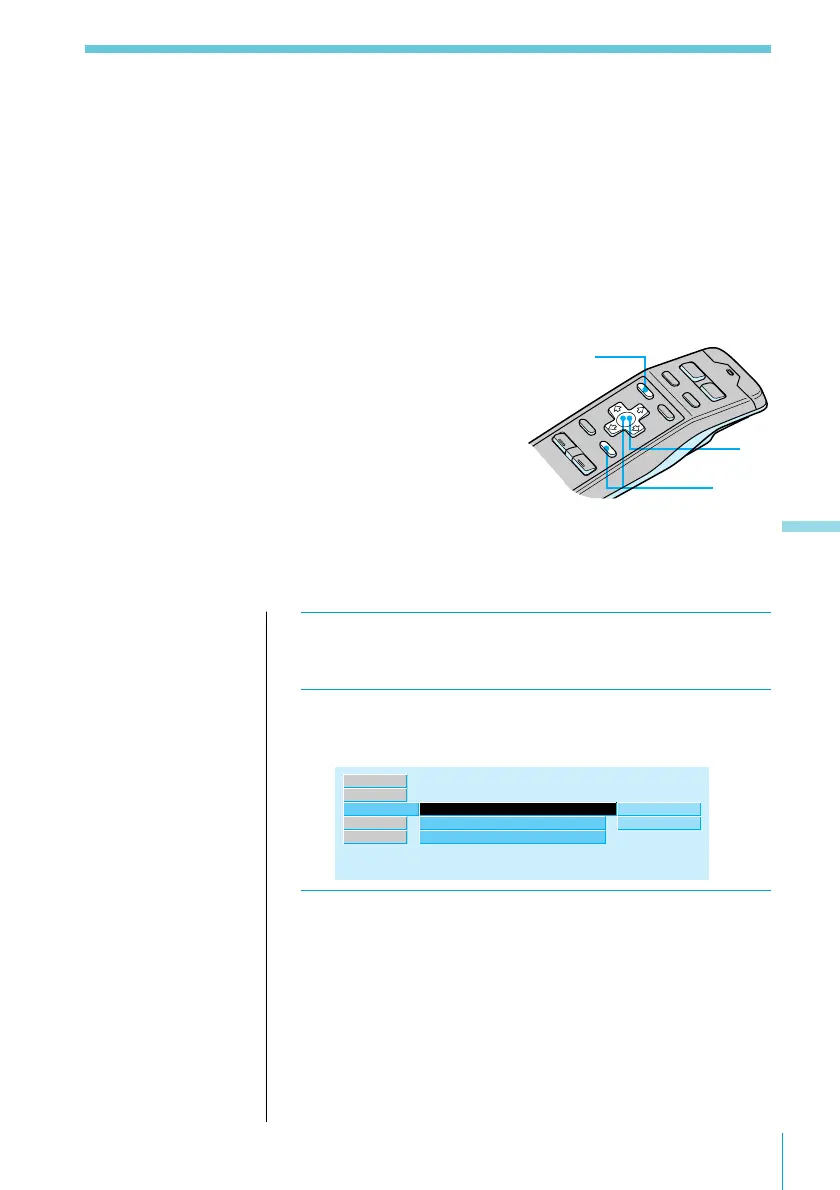
1 While listening to an FM, MW, or LW
broadcast, press MENU.
2 Select “R.Mode,” press / to move to the sub
menu, then select “Preset” using > or ..
R.Mode ”
Local
off
”
manual
Set up
Source
Exit
RDS
Mono/Stereo
Preset
stereo
BTM
3 Press /, then > or . to select “BTM,” then
ENTER.
The Best Tuning Memory function is activated.
3
2
1



 To Next Page