50 Listening to the Radio
Listening to the Radio
Setting the Clock Automatically
The CT (Clock Time) data broadcast by RDS sets
the clock automatically.
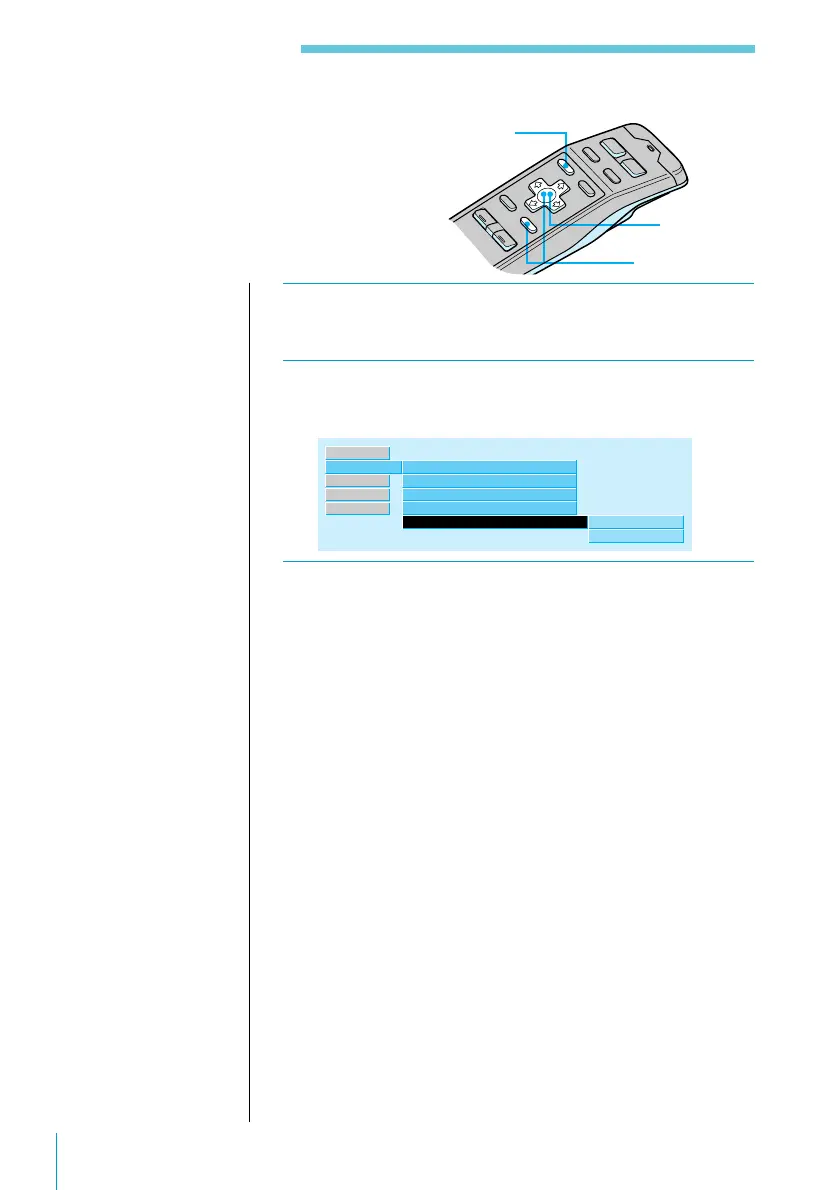
1 While listening to an FM broadcast, press
MENU.
2 Select “RDS,” then press / to move to the
sub menu, then select “CT” using > or ..
TIR Mode on
CT
AF
on”
on
TA
on
off
on
Regional
on
RDS ”
R.Mode
Source
Exit
Set up
3 Press /, then > or . to select “on,” then
press ENTER.
Notes
• The CT function may
not work even
though an RDS
station is being
received.
• There might be a
difference between
the time set by the
CT function and the
actual time.
3
2
1
To cancel the CT function
Select “off,” then press ENTER.



 To Next Page