18 Listening to CDs
Listening to CDs
Listening to a CD
Before listening to a CD, insert one or more CDs into the disc magazine, then load the
disc magazine into the CD changer (see page 16).
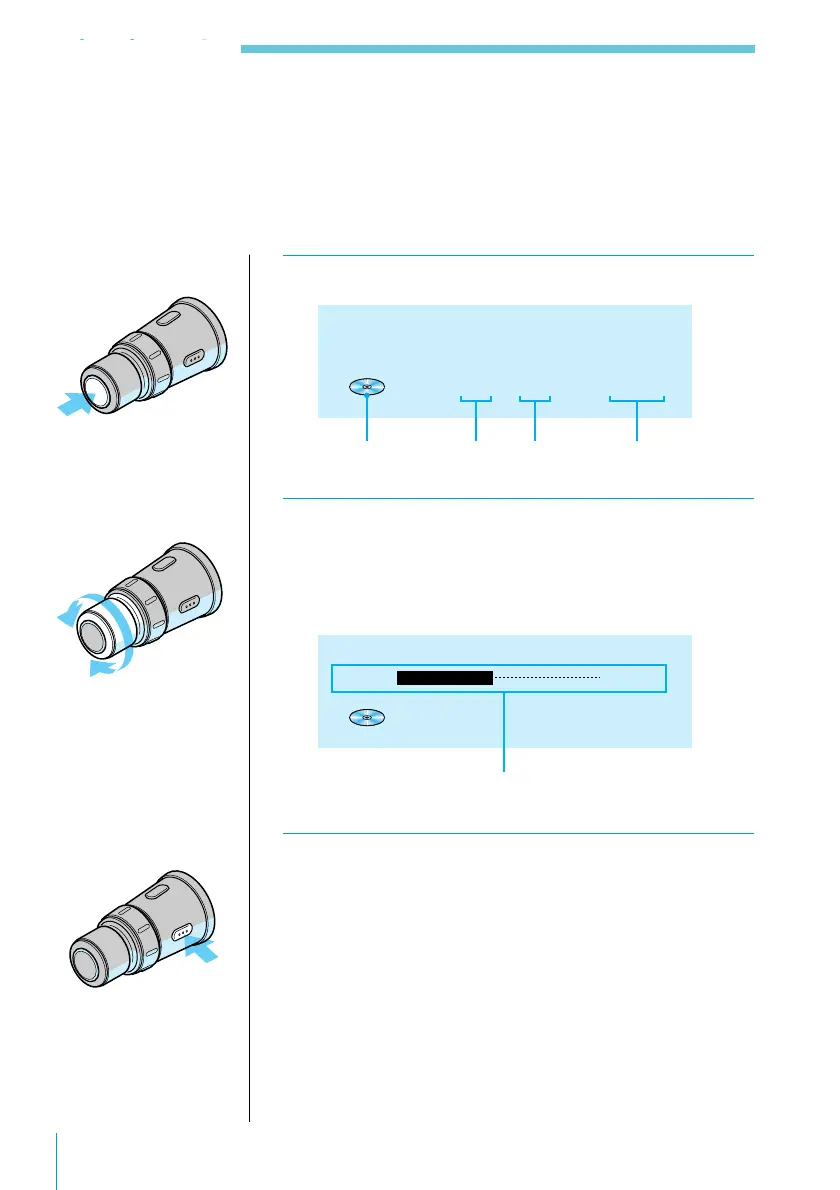
1 Press SOURCE repeatedly to select “CD.”
CD 1 1 3.45
2 Rotate VOL/DISC/PRESET to adjust the
volume.
Turn the control clockwise to increase the volume;
turn it counterclockwise to decrease the volume.
Volume -20dB
CD 1 1 3.45
Volume indication
3 Press OFF to turn off the system.
Listening to CDs
CD indication Disc number Track
number
Playing time of
the current track



 To Next Page