59
Appendix
Appendix
Attaching/Detaching the Electrically
Operated Display Section
The display section can be detached from the
control unit as a safety measure against theft.
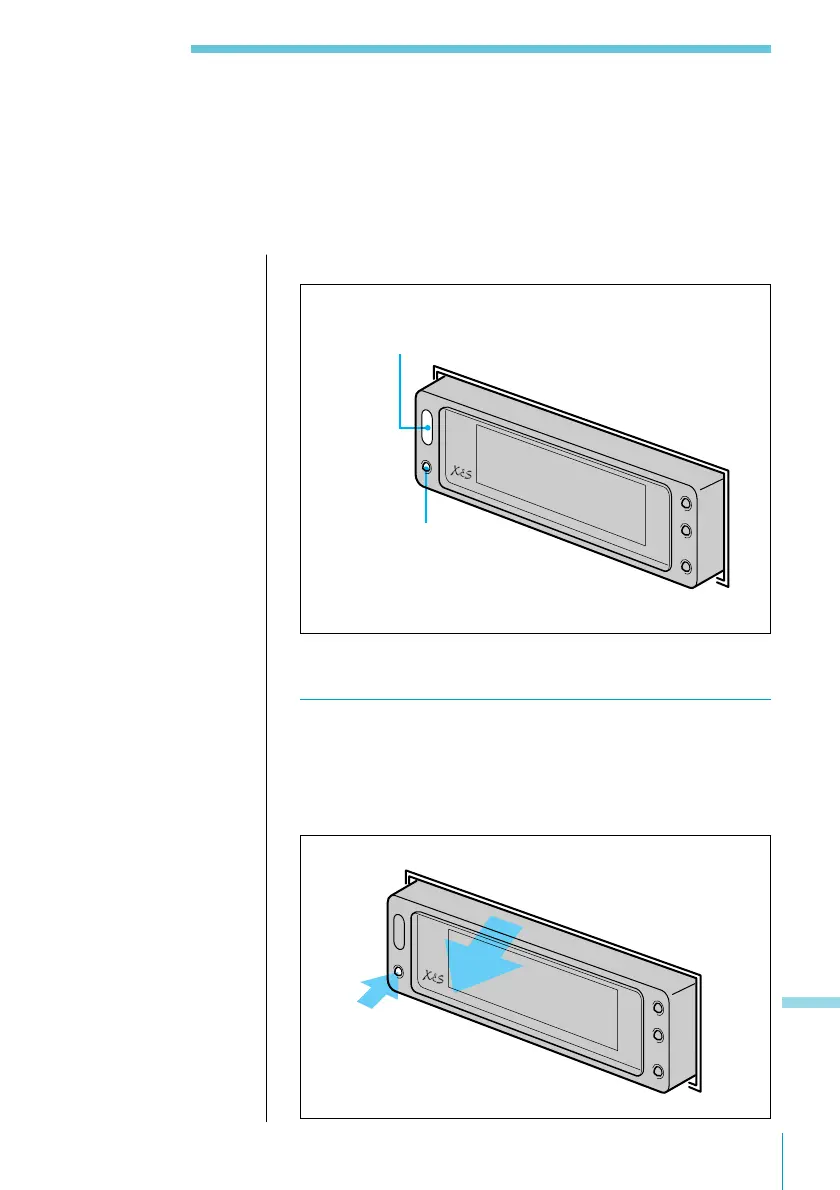
Name of parts
Detaching the Display Section
1 Press OFF/RELEASE at the bottom left of the
display section.
The system turns off and the left side of the display
section pops out.
Wireless remote control sensor
OFF/RELEASE button
Note
When the system turns
on, press the OFF/
RELEASE button twice.
Appendix



 To Next Page