Listening to CDs
27
Listening to CDs
Erasing a Disc Title
1 While playing a CD, press MENU.
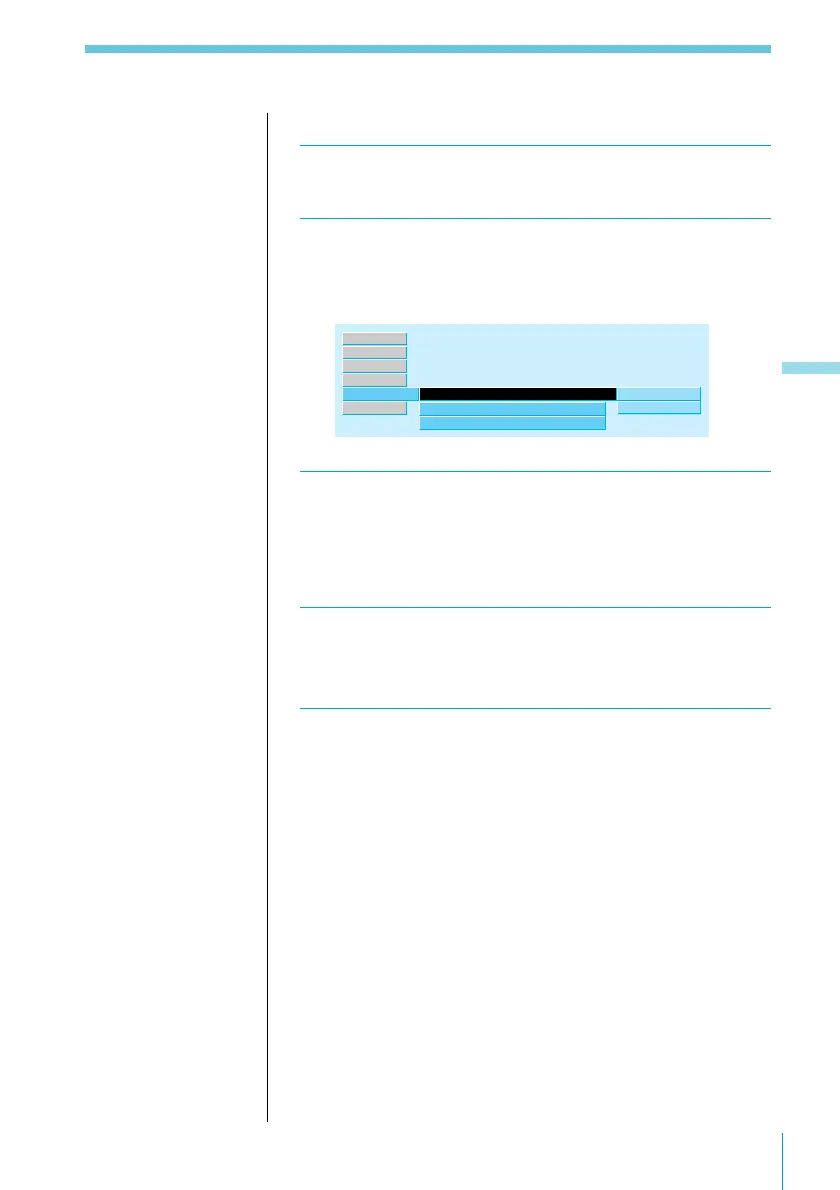
2 Select “Name” and press / to move to the
sub menu, then select “Disc Memo” using >
or ..
Disc Memo
Disc Name
”
Auto Scroll
write
delete
off
TEXT
Name ”
Source
P.Mode
Exit
Set up
RDS
3 Press /, then > or . to select “delete,” then
press ENTER.
The Disc Memo Delete indication appears.
4 Press > or . to select the disc title you want
to erase.
5 Hold down ENTER for 2 seconds or more.
The selected disc title is erased.
To quit the Disc Memo Delete function.
Press the BACK button.
Note
In Step 4, all the disc
titles stored in the CD
changer’s memory
appear in the order
they were entered. The
last title entered will
therefore appear at the
end.



 To Next Page