26 Listening to CDs
Listening to CDs
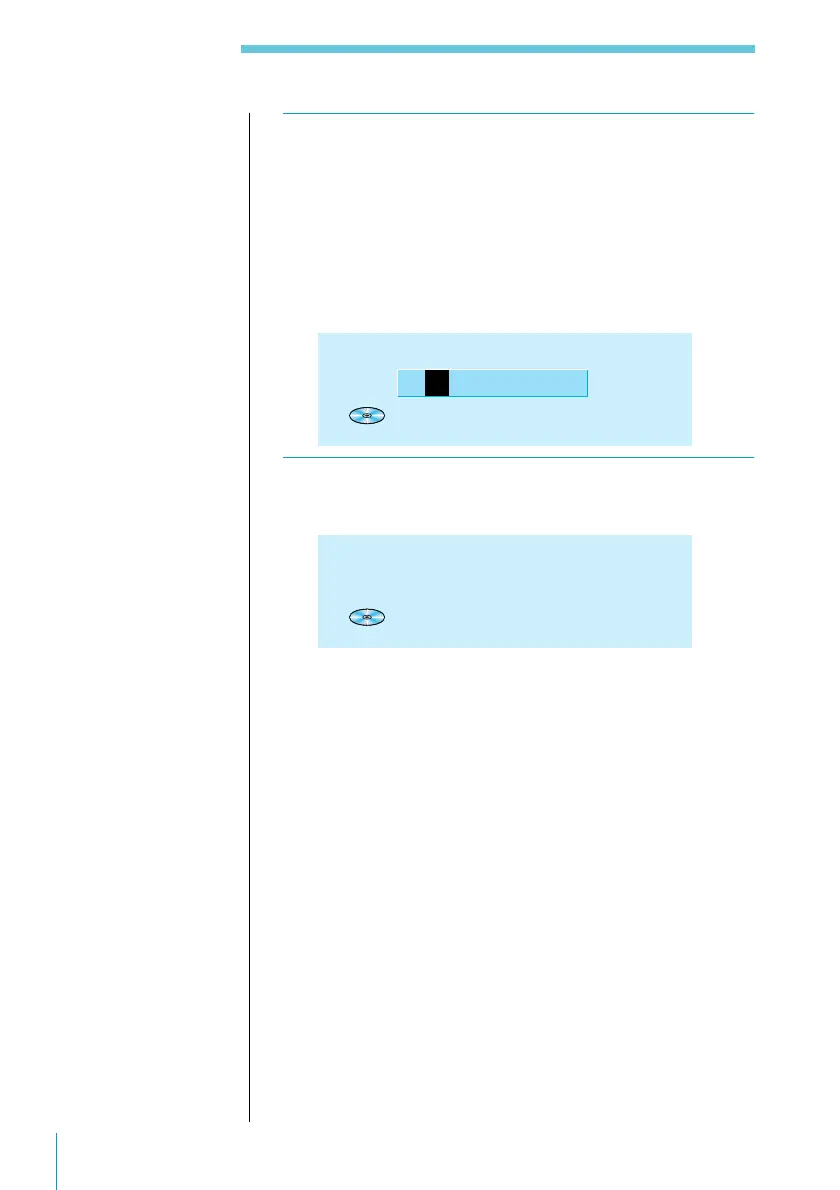
4 Press > or . until the character you want to
enter appears, then press /.
Each press of the > button selects the next character in
the order shown below. (Press the . button to move
backwards.)
A n B n C n ...Z n 0 n 1 n 2 n ...9 n + n - n
* n / n \ n > n < n . n (space)
CD
Disc
M
emo
W
rite
1 1 3.45
C
5 Repeat Step 4 until you have entered the
entire title, then press ENTER.
CD 1 1 3.45
CLASSIC
DISC NAME



 To Next Page