42 Listening to the Radio
Listening to the Radio
Specifying Monaural/Stereo Mode
If the FM stereo reception is poor, you can select
“mono” to improve the sound.
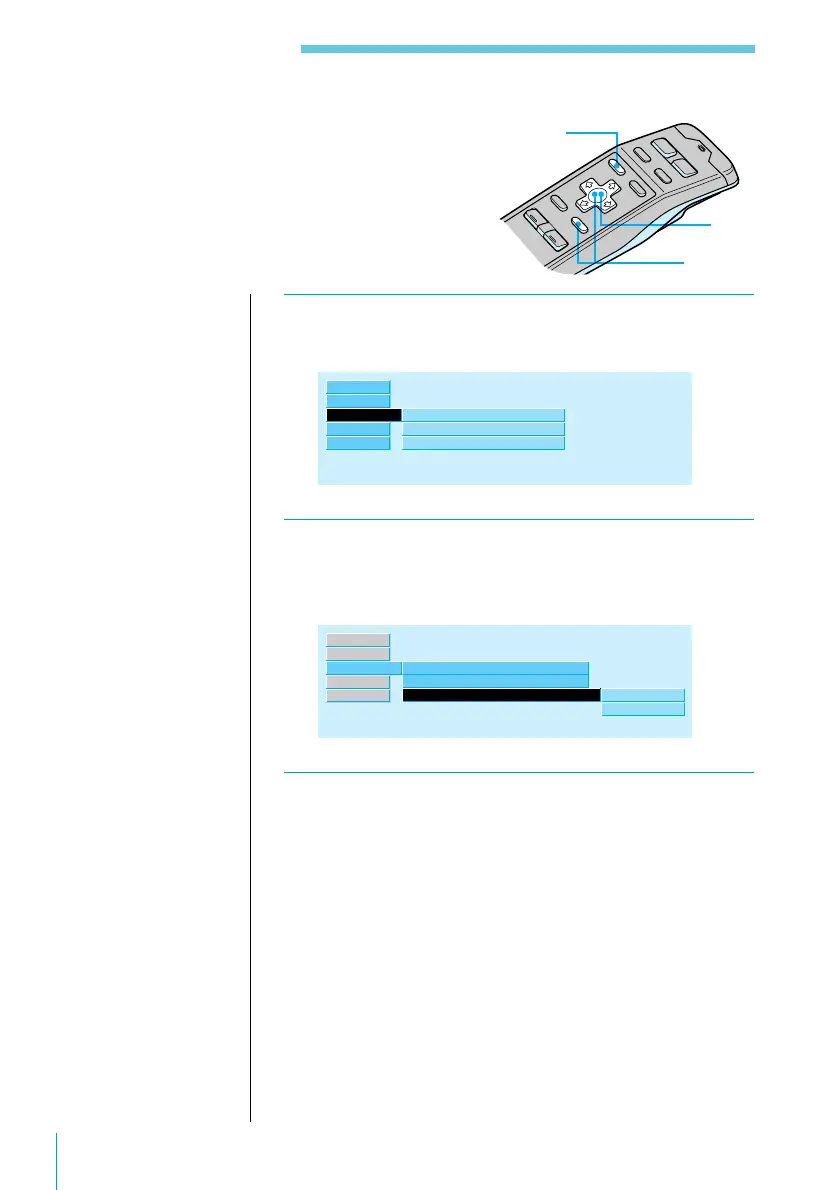
1 While listening to an FM broadcast, press
MENU.
R.Mode ”
Preset
Local
Mono/Stereo
off
stereo
Set up
Source
Exit
RDS
2 Select “R.Mode,” press / to move to the sub
menu, then select “Mono/Stereo” using > or
..
Mono/Stereo
Local
off
stereo”
Preset
mono
stereo
R.Mode ”
Set up
Source
Exit
RDS
3 Press /, then > or . to select “mono,” then
ENTER.
The selected FM mode appears to the right of “Mono/
Stereo” in the display.
3
2
1
Useful tips
To return to previous
steps (one at a time)
Press the ? button.
To return to the
normal display
Press the MENU
button.



 To Next Page