Listening to the Radio
41
Listening to the Radio
Making Different Settings for Each Preset Station
1 While listening to the desired FM broadcast,
press MENU.
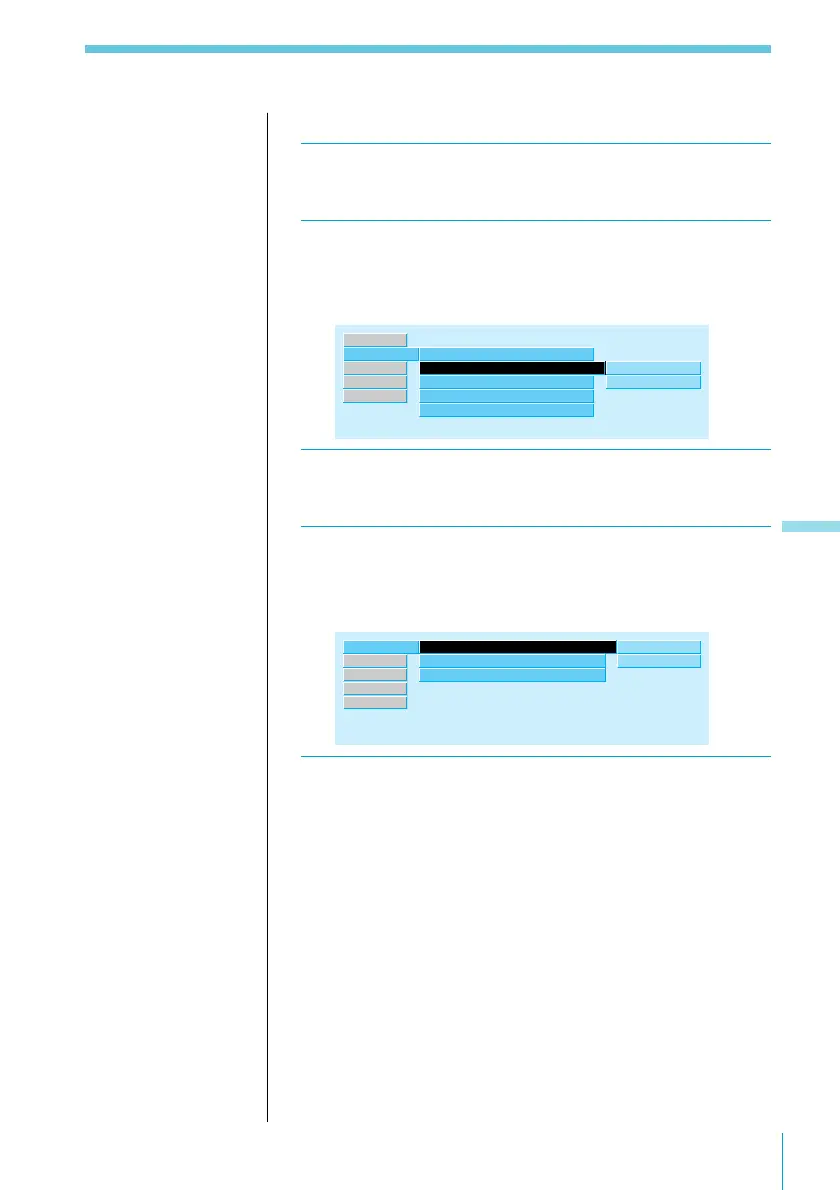
2 Select “RDS,” then press / to move to the
sub menu, then select “AF” or “TA” using > or
..
CT on
TA
AF
on”
on
TIR Mode
on
off
on
Regional
on
RDS ”
R.Mode
Source
Exit
Set up
3 Press /, then > or . to select “on” or “off,”
then ENTER.
4 Select “R.Mode,” then press / to move to
the sub menu, then select “Preset” using > or
..
R.Mode ”
Local
off
”
manual
Set up
AUX
Exit
RDS
Mono/Stereo
Preset
stereo
BTM
5 Press /, then > or . to select “BTM,” then
ENTER.
Note
If you want to change the preset AF and/or TA setting after you
tune in the preset station, you can do so by turning on/off the AF
or TA function.



 To Next Page