24 Listening to CDs
Listening to CDs
Setting Sound Effects
for Each CD/MD
(Disc Sound Memory)
You can select and memorise particular sound
effects for CDs or MDs.
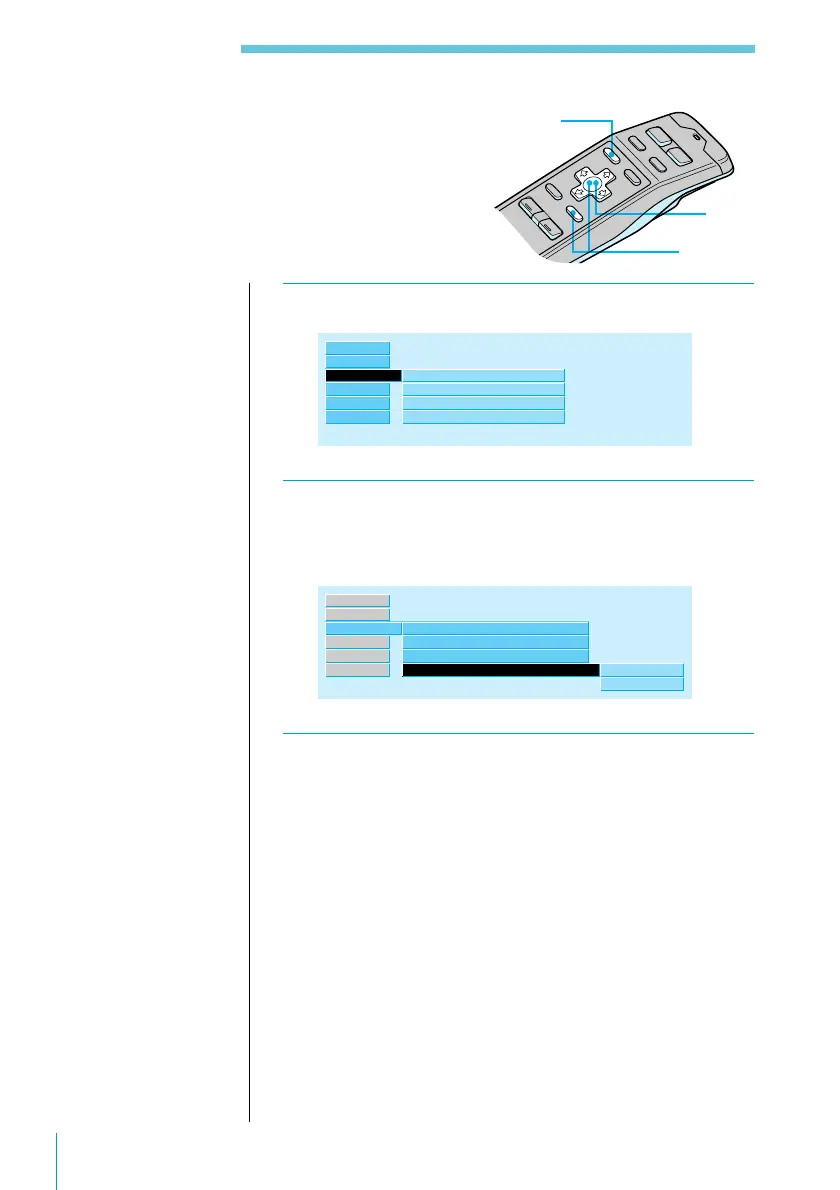
1 While playing a CD or MD, press MENU.
P.Mode ”
Repeat
Shuffle
Bank
off
off
off
Disc Sound Memory
Source
Name
Exit
Set up
RDS
2 Select “P.Mode” and press / to move to the
sub menu, then select “Disc Sound Memory”
using > or ..
Disc Sound Memory
Repeat
Shuffle
off
”
off
Bank
enter
delete
off
P.Mode ”
Source
Name
Exit
Set up
RDS
3 Press / then > or . to select “enter,” then
press ENTER.
The sound effects currently specified by PEQ display
are set.
To clear all sound effects on the disc
Select “delete” in Step 3 above and press the ENTER
button.
3
2
1
Note
To use this function,
select the sound effect
in advance (see page
55).
Useful tips
To return to previous
steps (one at a time)
Press the ? button.
To return to the
normal display
Press the MENU
button.
To see the current sound
effect setting
Press the SOUND
button on the rotary
remote.



 To Next Page